Using an admin on web hosting
An alternative option for managing a MySQL database is the free tool Adminer, which has a simple and clear interface, functional features, and a primary focus on security. Adminer is just one PHP script that you place on your web hosting and can use.
You can download Adminer from the official website www.adminer.org/en/.
Upload the downloaded file adminer.php via FTP to your web hosting.
If you don't know how to connect via FTP, you can use one of our guides, such as How to Connect to an FTP Server via TotalCommander.
Place the adminer.php file in the /www/ directory, or you can place it elsewhere, and then you'll need to adjust the path you enter in the URL bar.
After uploading the file to web hosting, enter mojedomena.cz/adminer.php in the URL bar.
You'll need to adjust the path and filename if you placed the file elsewhere.
You will see the database login screen.
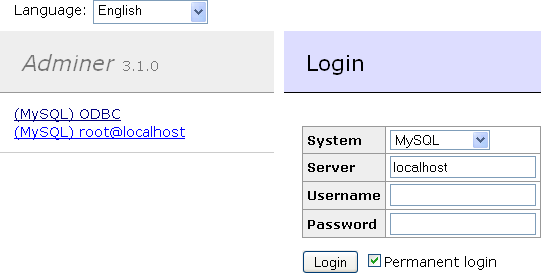
The server is a hosting server, vix/eam.
The User and Database are the names of the database.
You can find the login details in the email you received, or you can create a new database in the administration of hosting services at admin.hukot.net, under the Database tab.
Done