How to activate automatic e-mail signing - DKIM
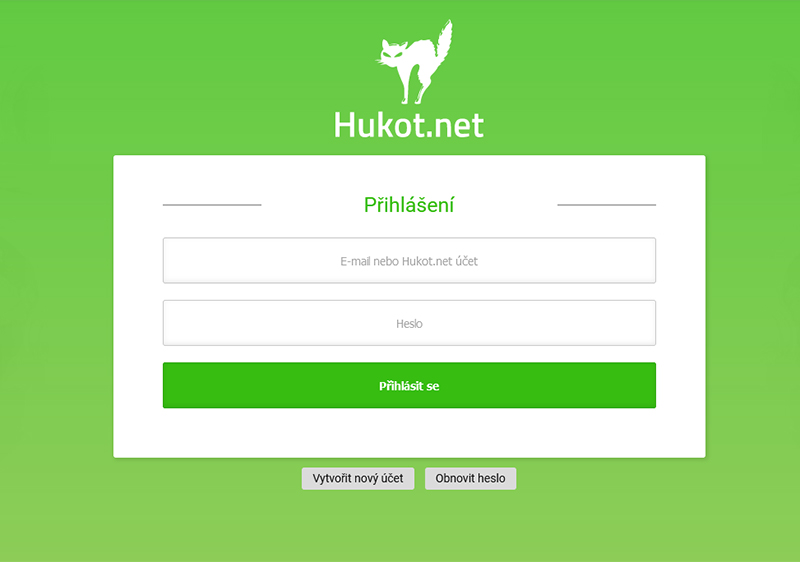
To set up automatic e-mail signing, you need to log in to the administration of hosting services admin.hukot.net.
Log in to the administration of hosting services admin.hukot.net.
Select the Domains tab. Here we see a list of our domains.
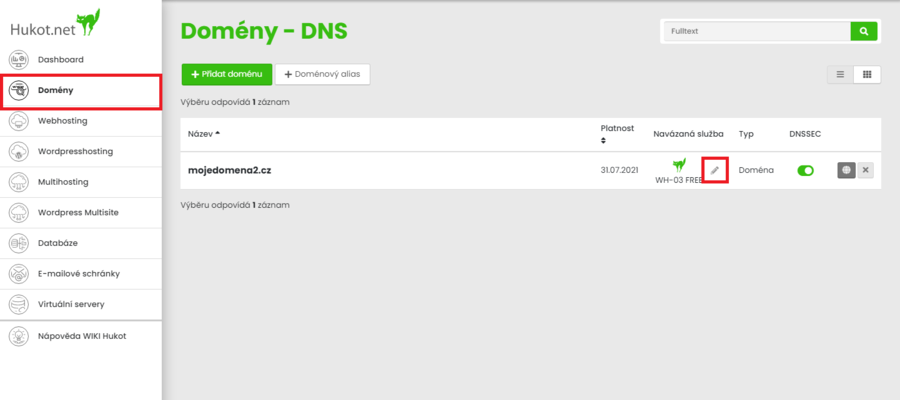
We click on the edit icon, here is the Basic Information block.
We check the box for automatic signing of e-mails - DKIM
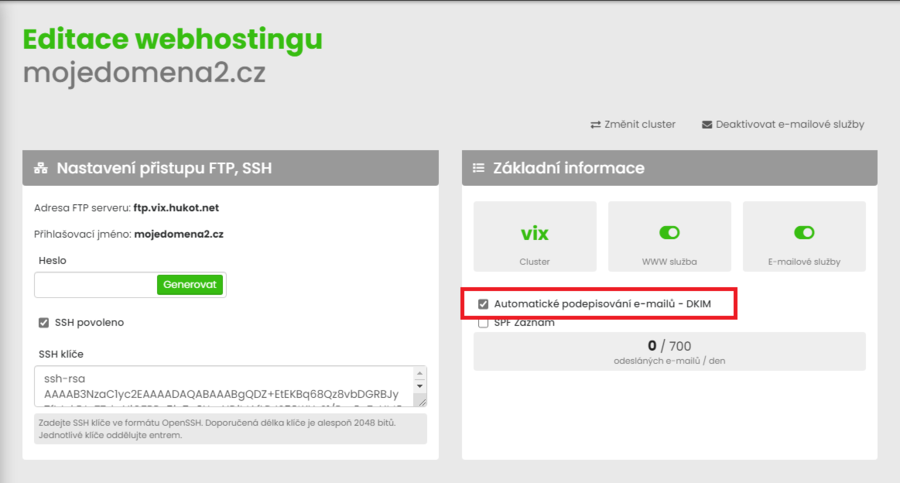
Scroll down and click the save button.
If the DNS records are maintained by us, all further settings will take place automatically. In the second case, when DNS records are not kept by us, you will receive instructions on how to proceed further to the contact e-mail address.