How to set up an email inbox in the Mail client - Windows 10 - IMAP
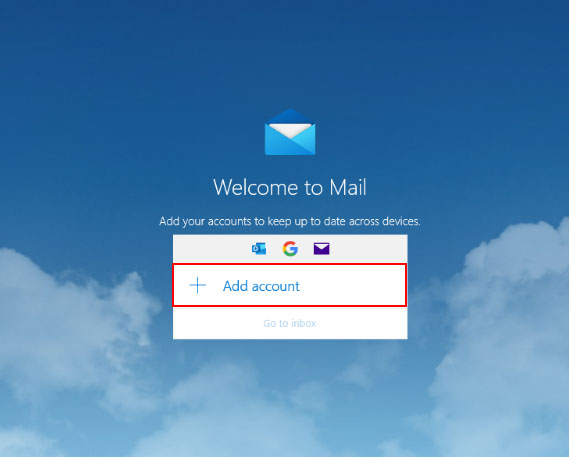
When you launch Mail, click the Add Account button.
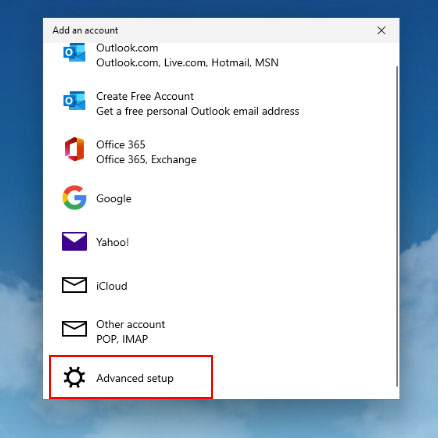
Select the Advanced Settings option.
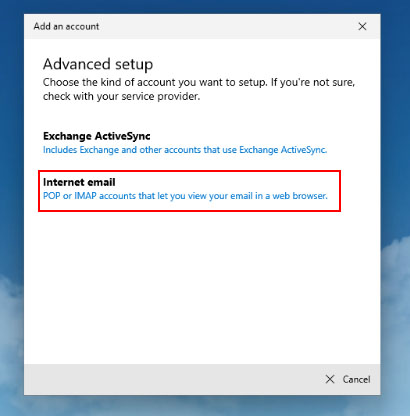
Select Internet e-mail as the account type.
Fill in all the details.
The username is always your full email address!
It is important to select the IMAP4 account type.

We click on Log in and we are done.