How to end the service
You can terminate your services with Hukot.net in several ways. The easiest is to follow these instructions, or failing to pay a payment request will result in automatic termination of service and cancellation of the payment request.
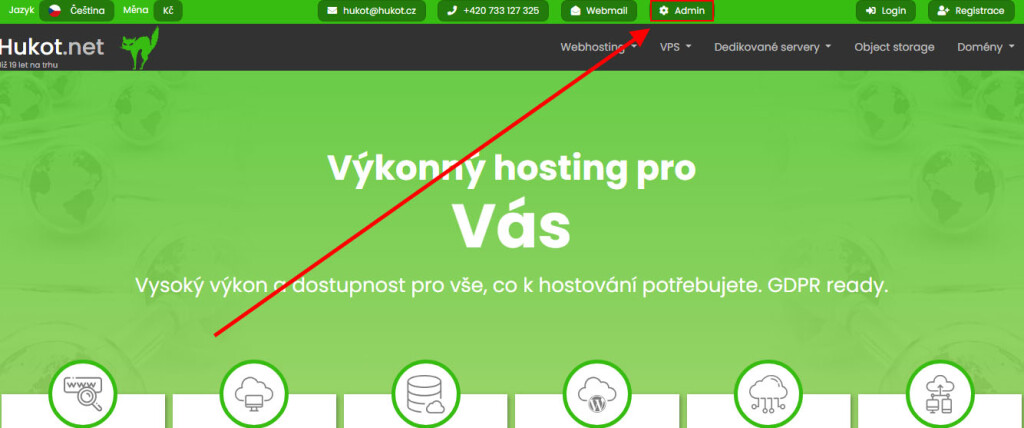
On the hukot.net page, click on the "Admin" button
The button will take you to the administration page of your account.
a) Cancel Web Hosting
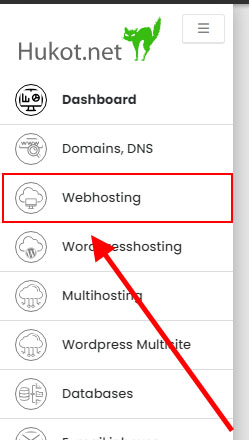
In the left menu, click on "Webhosting".
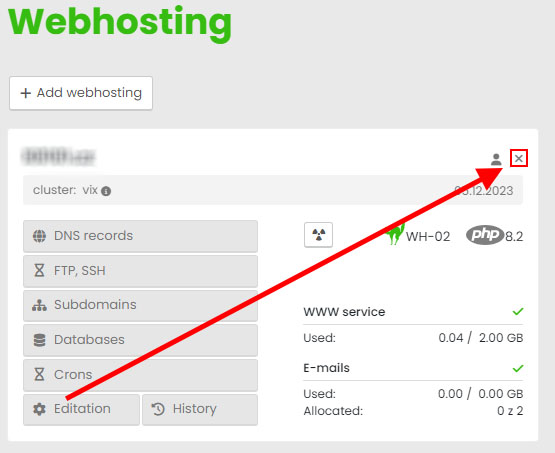
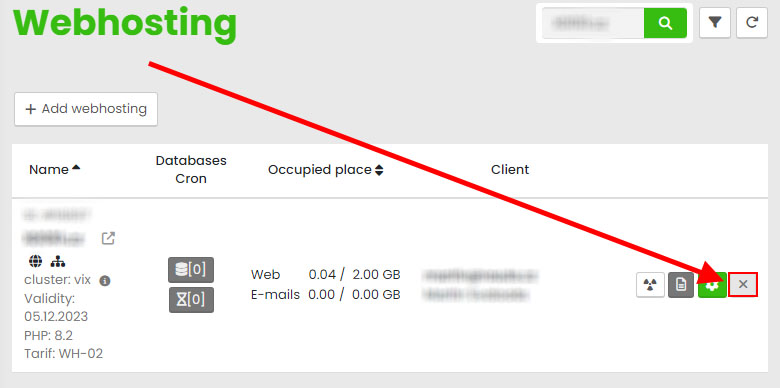
Click on "Delete" ( the view can be switched between table and block ).
Box view
Spreadsheet overview
Click on "Yes" to confirm the cancellation.
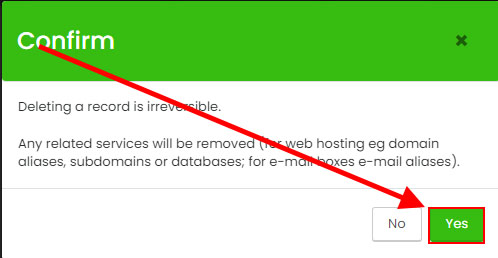
You can restore the deleted content within 24 hours of deletion.
b) Cancellation of the virtual server
Click on "Virtual Servers" in the right menu.
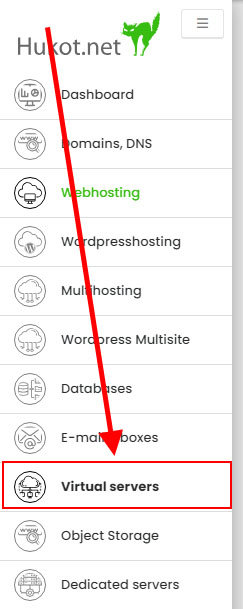
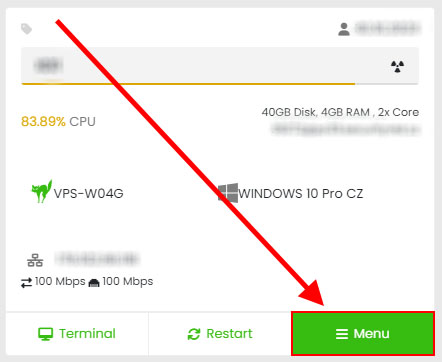
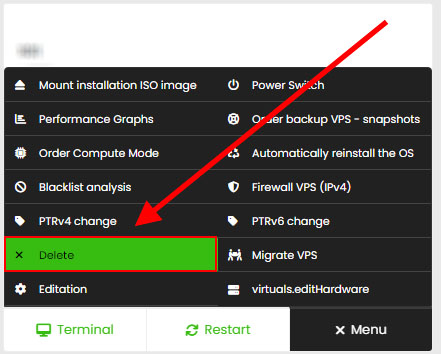
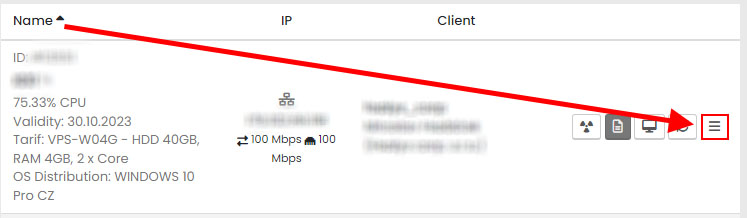
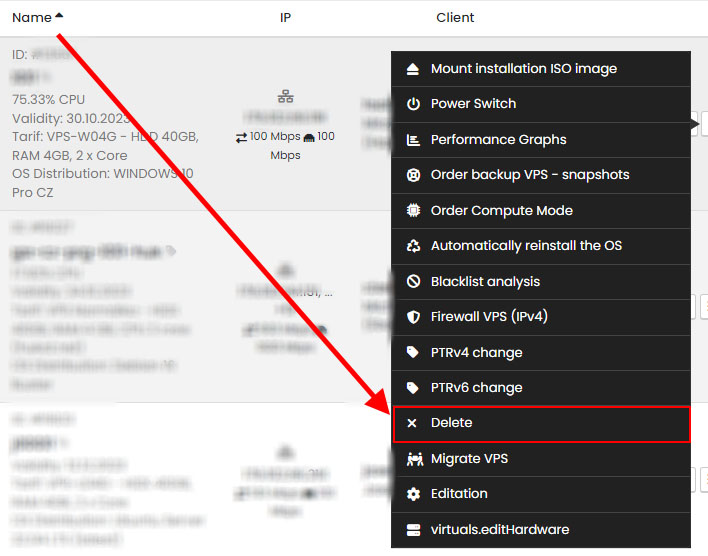
Click on "Delete" ( the view can be switched between table and block view ).
Box view
Spreadsheet overview
That's it. We will be glad to get your feedback whether the deletion of the server is the end of your project or you were not satisfied with the service. Thank you for your feedback.