Installing Joomla! with single click
Did you order our webhosting and want Joomla?
In this tutorial we're going to show you how to install Joomla! just by one click in administration panel of Hukot.net.
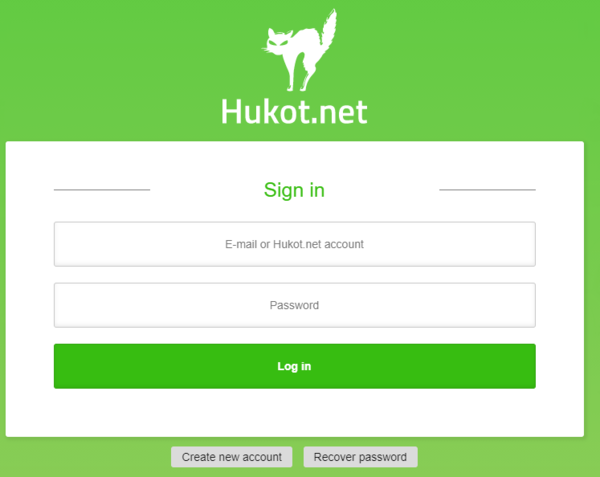
First, log into hosting administration admin.hukot.net.
Login credentials were sent to you by e-mail after registering hosting.
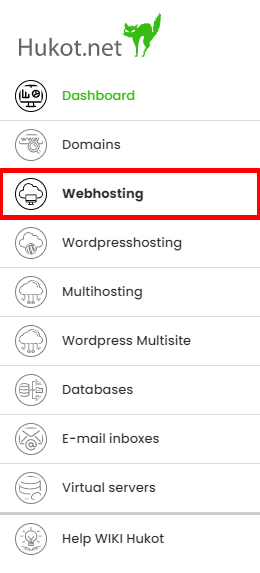
We can see navigation now. Select tab Domains and FTP:
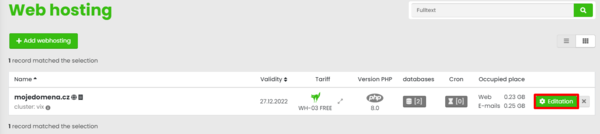
We should see all of our domains. Now choose your domain where you want to install Joomla! and click on button "Editation".:
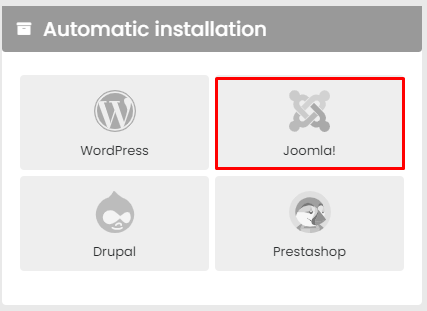
You should see block Automatic instalation. Choose option Joomla!.
Enter your desired login credentials for PrestaShop. Next choose language and click on "Install".
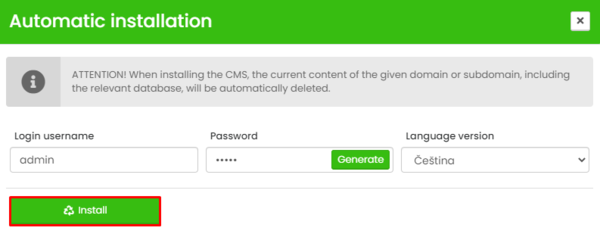
After confirmation wait approx. 4 - 5 minutes. You'll get an e-mail with installation confirmation after finishing installation.
And you're done (^.^)