User change of PTR record
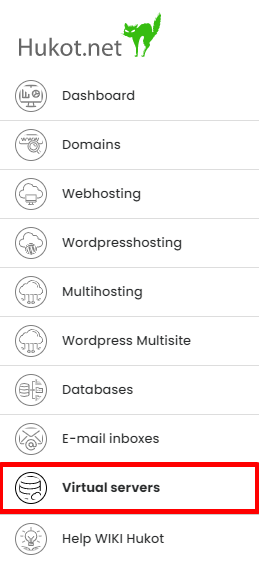
To change the PTR record for VPS, log in to Administration. In the admin interface, go to the "Virtual servers" tab.
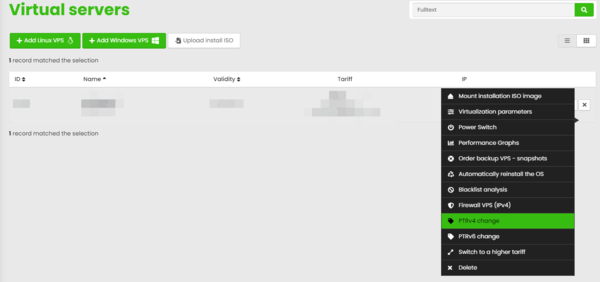
Select the desired VPS from the available list and select "PTRv4 change" from the menu.
Change your PTR and save with "Configure PTR".
Martin Kostera
07.07.2024 22:00:34
Chybí mi tu návod, jak vyplnit PTRv6.