AI
8 tutorials-
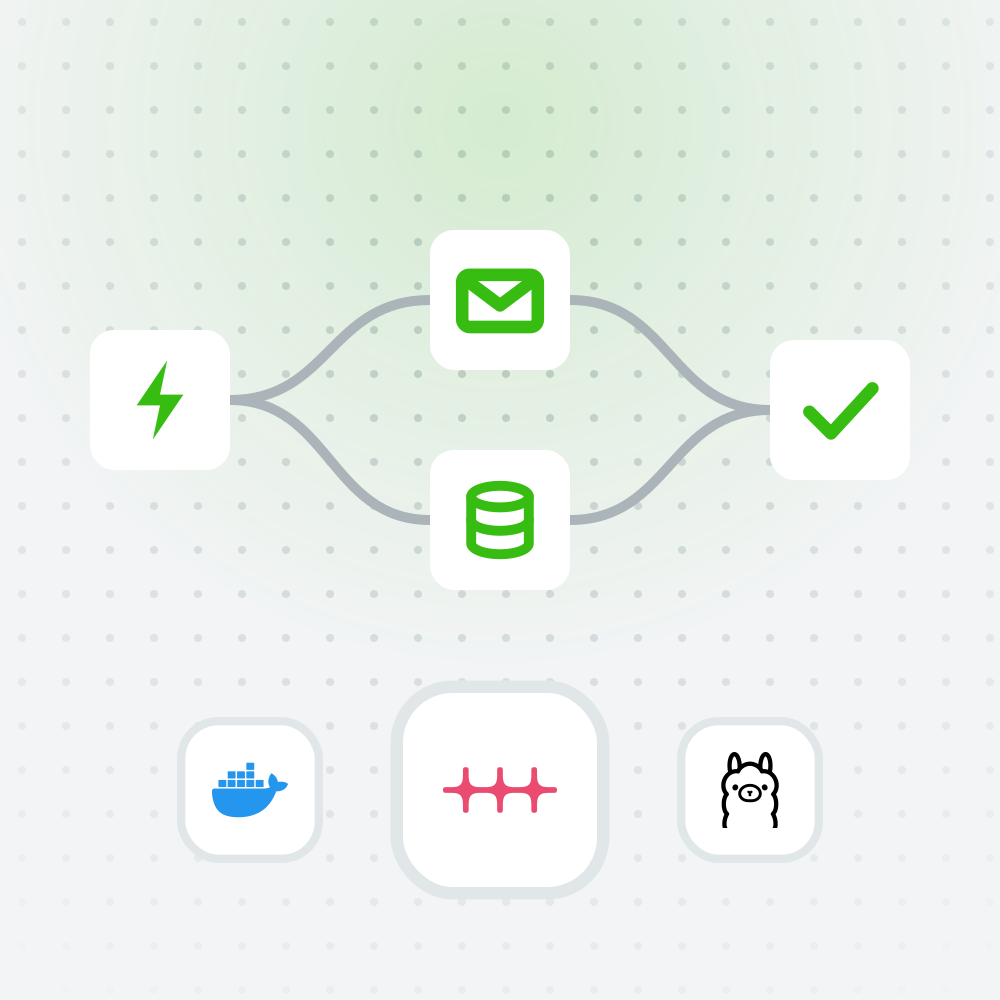
How to install n8n on a VPS with Docker Compose
Workflow automation with n8n on your own VPS: Docker Compose with PostgreSQL, HTTPS through Nginx and optionally your own AI model in Ollama. No execution limits, with your data in the Czech Republic on a Hukot.net VPS.
-
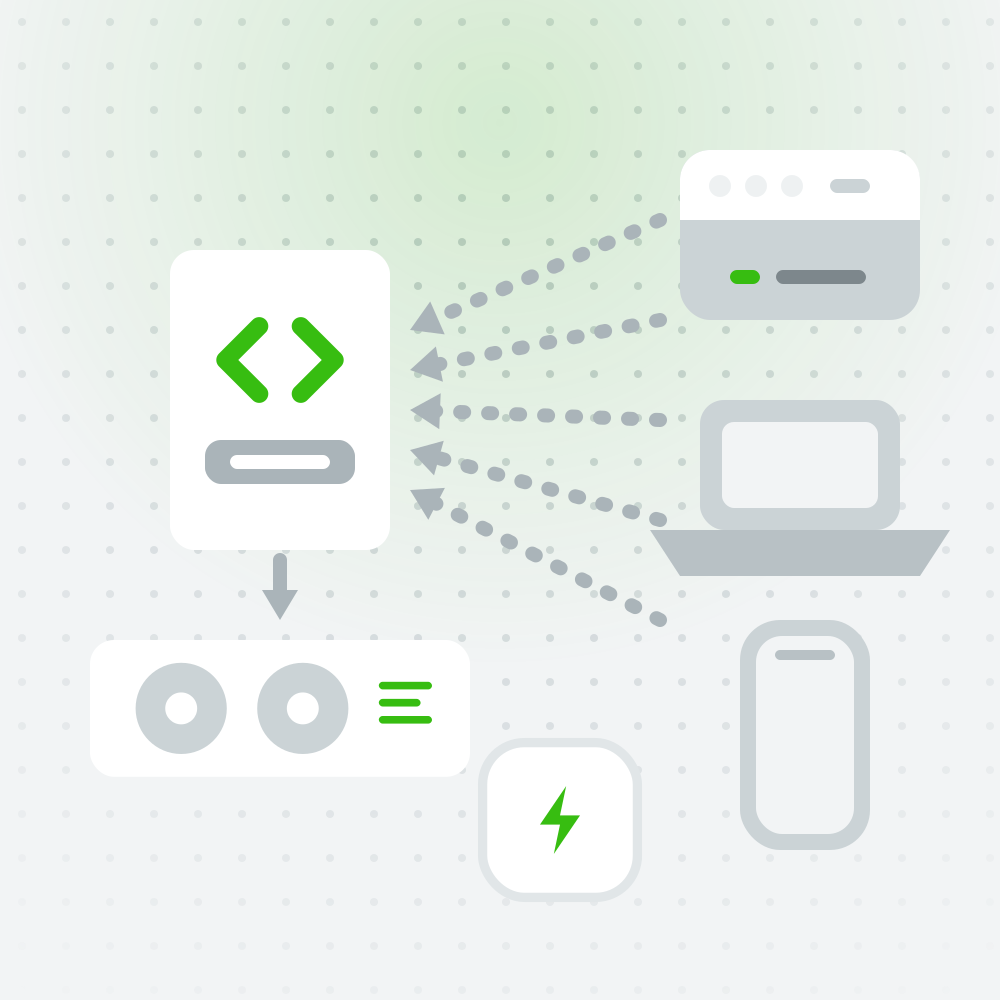
vLLM: your own OpenAI-compatible API on a GPU-VPS
Run a language model as an OpenAI-compatible API on your own GPU-VPS. For applications, scripts and AI agents, at a fixed price instead of paying per token.
-
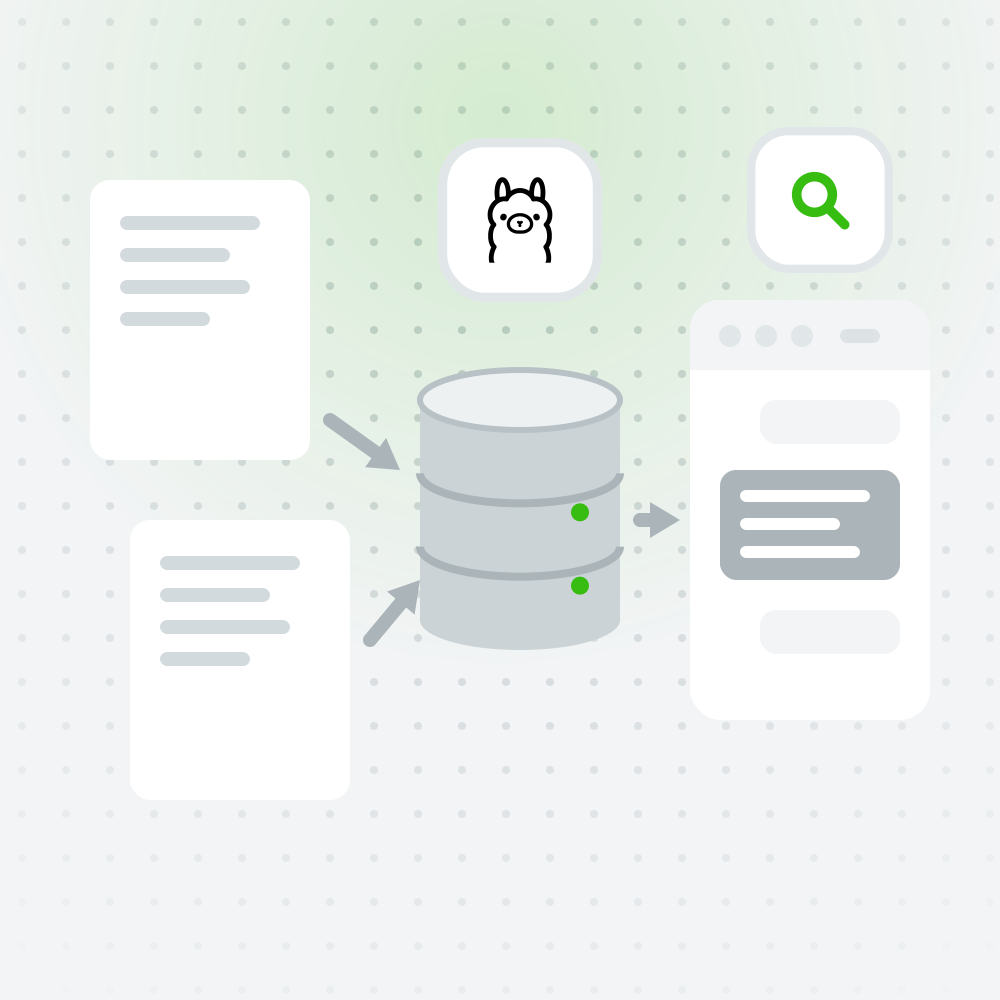
Chat with your own documents in Open WebUI on a GPU-VPS
Upload policies, contracts or documentation into Open WebUI and ask about them. The model answers from your documents, and the data never leaves your server in the Czech Republic.
-
Which VPS plan to choose for OpenClaw and Hermes Agent
A comparison of Hukot.net Linux VPS and GPU-VPS plans for the OpenClaw and Hermes AI agents: how much CPU and RAM they need with a provider model, and which model fits on a GPU-VPS.
-
How to install Hermes Agent on a Linux VPS
Hermes Agent by Nous Research is an AI agent that learns from its own work and runs non-stop. For maximum stability, we recommend installing it on a Hukot.net VPS.
-
Ollama and Open WebUI on a GPU-VPS: your own AI chat
Install the NVIDIA driver, Ollama and the Open WebUI web interface on a GPU-VPS with Ubuntu, choose a model by VRAM and access it securely over HTTPS or an SSH tunnel.
-
NemoClaw & Ollama & GPU-VPS
Master the future of AI agents on your own GPU hardware. 100% privacy, zero latency, maximum performance.
-
How to install OpenClaw on a Linux VPS
Want your own AI assistant that handles your emails or sends a message to Discord for you? OpenClaw is the ideal choice. For maximum stability, we recommend installing it on a Hukot.net VPS.