Adding a domain to multihosting
Would you like to add a new domain to multi-hosting?
Log in to the hosting services administration at admin.hukot.net.
Go to the Multi-hosting tab.
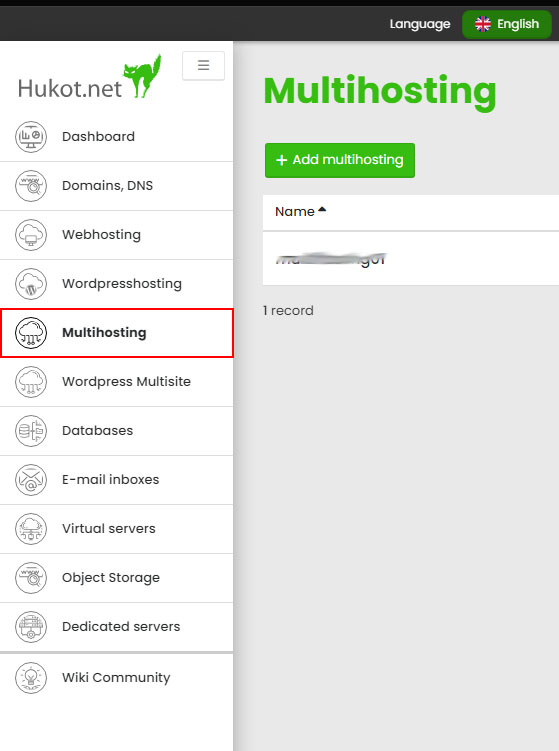
You will see a table with an overview of available multi-hostings.
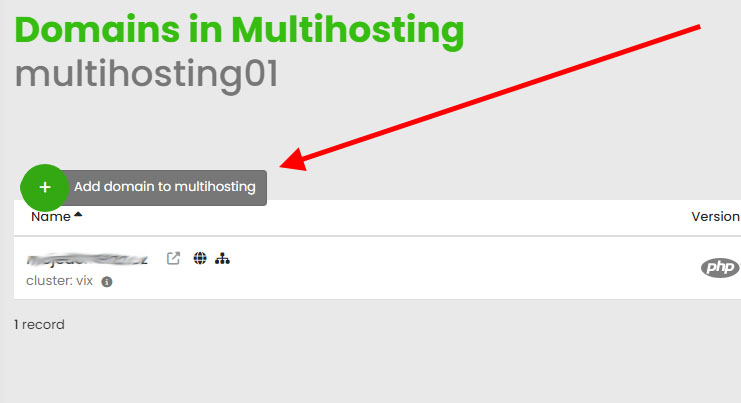
Select the multi-hosting to which you want to add a new domain and click on the Domain Management button.
Click on the Add domain to multihosting button.
Choose whether you want to add an existing domain or create a new one.
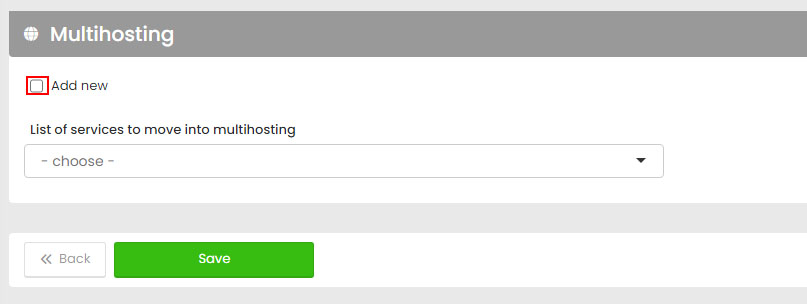
If it's a new domain, you need to perform the initial setup, including FTP settings.
// Note: You can choose additional settings, such as secure HTTPS connection.
Confirm by clicking the Save button.
Then, you just need to wait for the domain to be added. In the meantime, you can, for example, order website security using WAF.
Done.