How to connect an existing email inbox to mail in Gmail - POP3
Those who like their Gmail can easily use its interface to receive and send other emails outside of gmail. Below is a quick tutorial on how to link an email account from our hosting.
Log in to your current Gmail account.
Select the Settings at the top right.
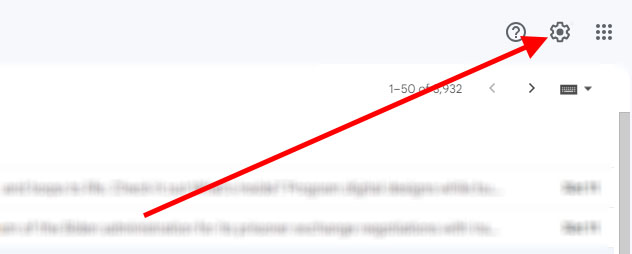
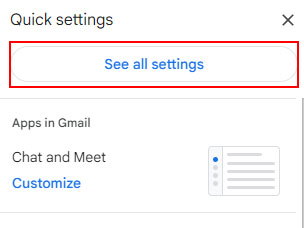
Select "See all settings."
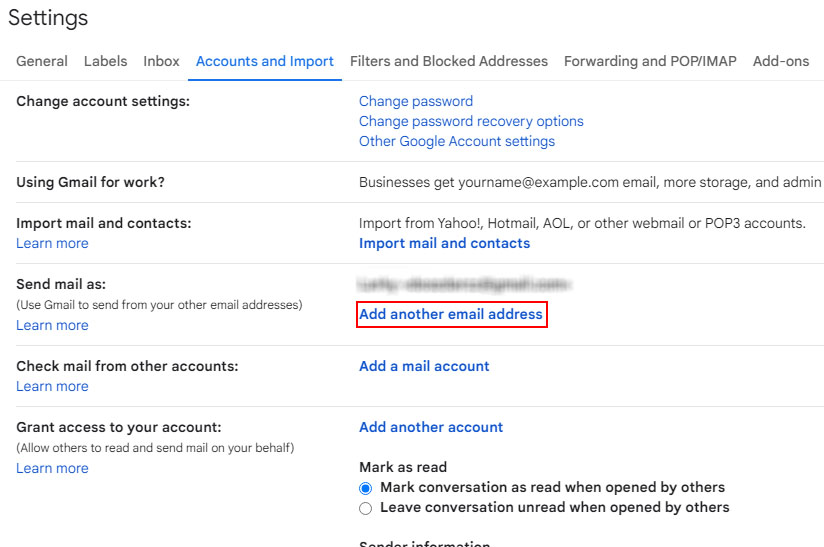
Select the Accounts and imports tab and click on "Add another email address."
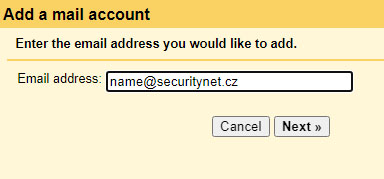
Type in your E-mail address and click "Next Step."
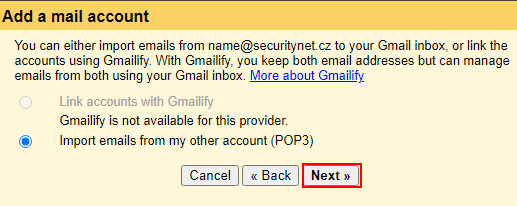
Leave POP3 selected and click on "Next."
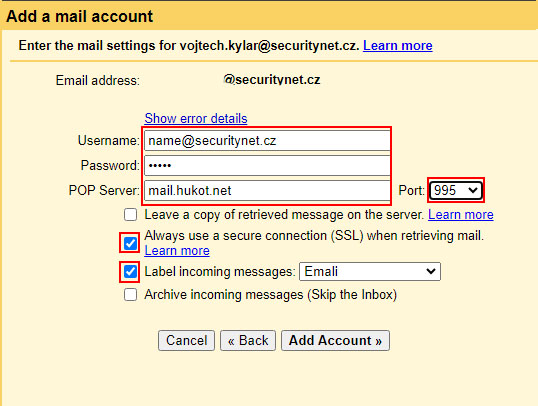
Fill in the details as shown in the template.
The username is the same as the full email address
The POP server is mail.hukot.net
Port is 995
Check the option Always use a secured connection (SSL) when retrieving data
Click on "Add Account."
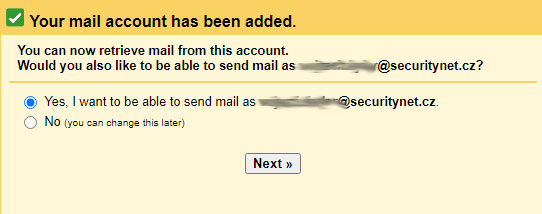
If you want to be able to send mail too, select yes.
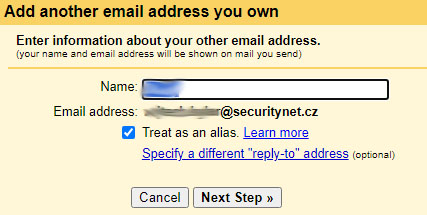
Fill in you name.
When sending email from this account, it will look like this First Name Last Name / mail@securitynet.cz
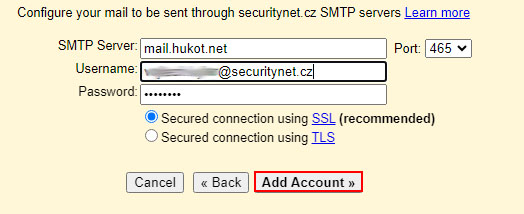
We will set up a server to send emails
The SMTP server is mail.hukot.net
Username is your full email address
Port is 465
Leave the option Secure connection using TLS
Click on the Add account button.
A pairing code is sent to your email address, which must be entered in the popup window for final pairing.
Done (^.^)