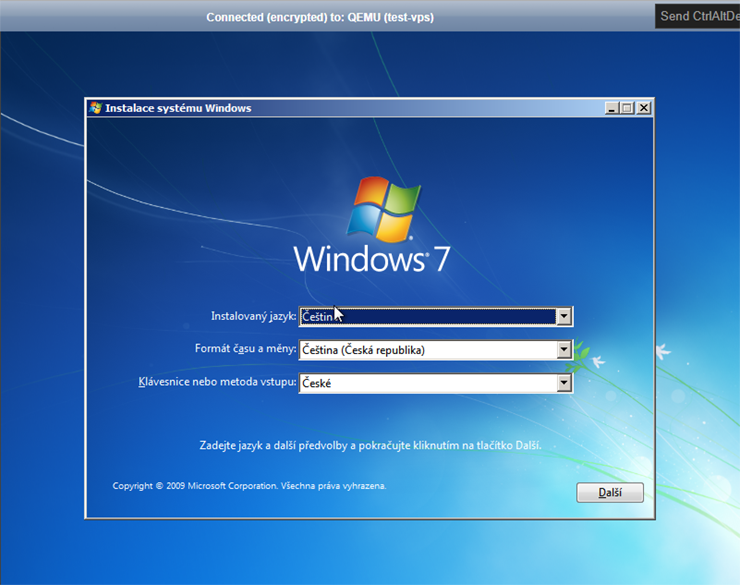
How to install Windows on VPS
Are you a VPS owner and would you like to use Windows on your VPS? We'll show you how.
The following instructions work for Windows 10, Windows Server 2012, Windows Server 2016, Windows Server 2019, Windows Server 2022.
Log into administration admin.hukot.net and in sidebar click on Virtual Servers.
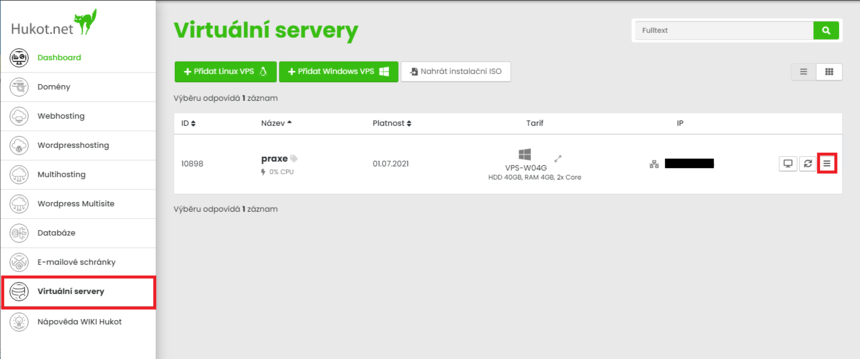
In case the VPS is switched off. Click on Power Switch to start the VPS.

From the list of VPS select the one you want to install Windows on. From action menu select Mount installation ISO image.
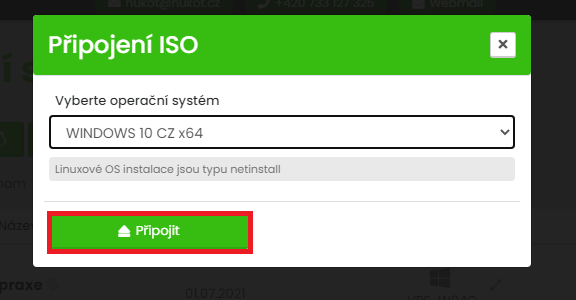
In the popup window select the version of Windows you want and click on Mount .
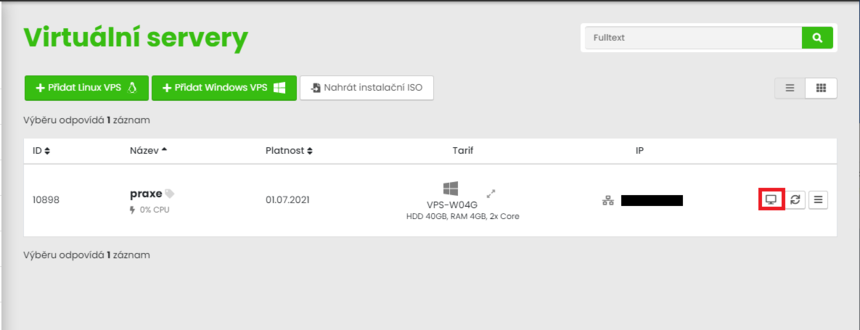
Now click on terminal and restart the VPS.
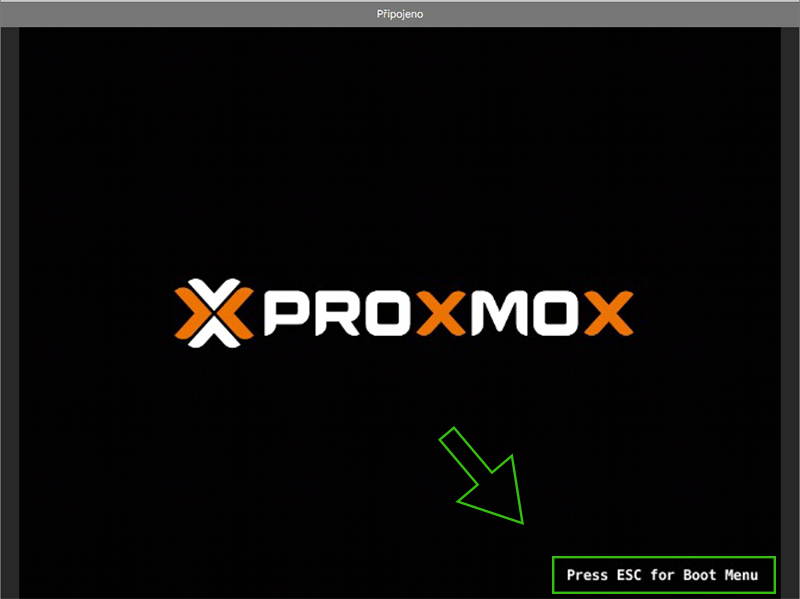
While booting press ESC for Boot menu.
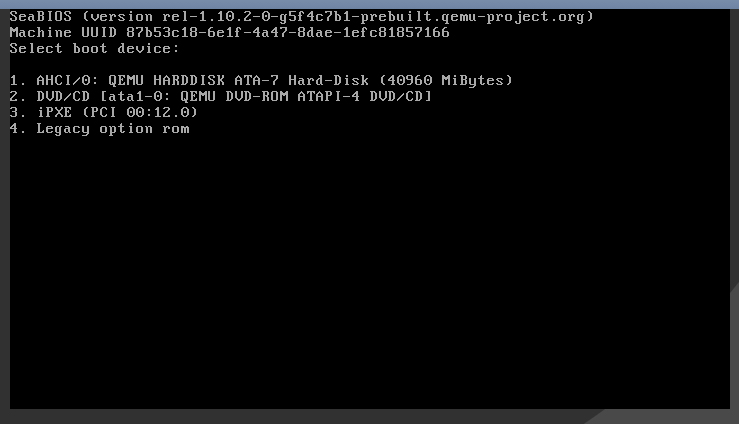
Select DVD/CD option.
And go trough installation process.