How to restore a database from backup?
Within the administration, the user can restore the entire database directly to the DB server, or download a dump of the selected backup to the _sql directory in the web hosting space.
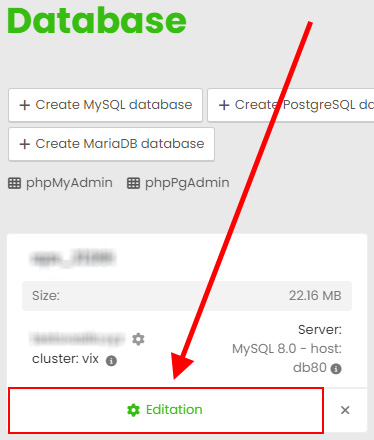
Login to the hosting services administration at admin.hukot.net and go to edit your database.
Editing the selected service:
Navigate to the Backups section:
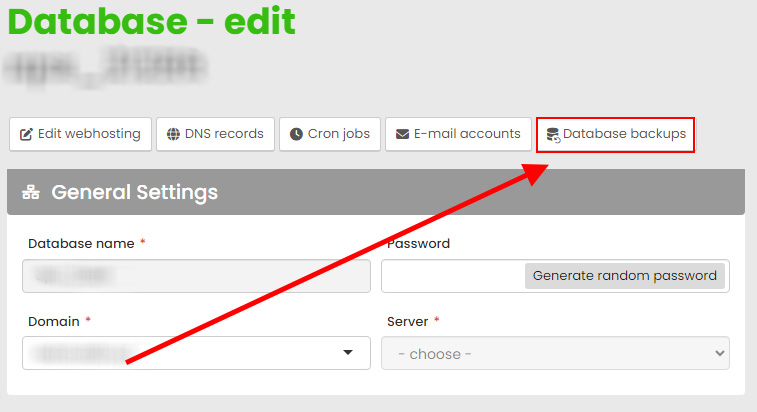
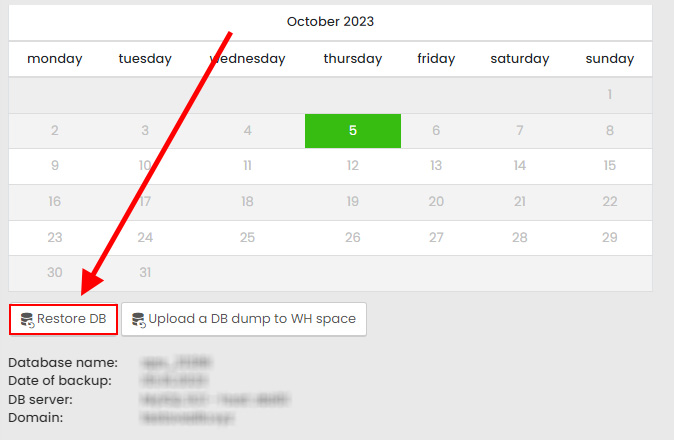
Here you can select the highlighted date of the backup (frequency according to the hosting plan), where you can then restore the entire database directly to the DB server, or download a dump of the selected backup to the _sql directory in the web hosting space.
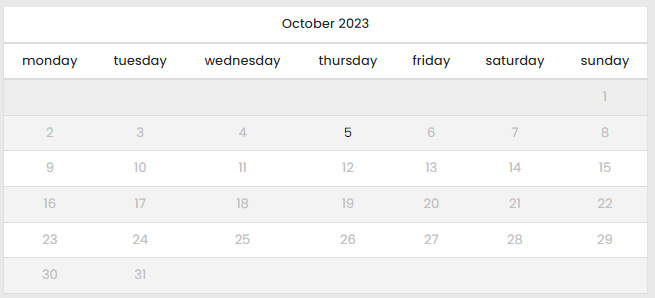
1) Restore database from backup
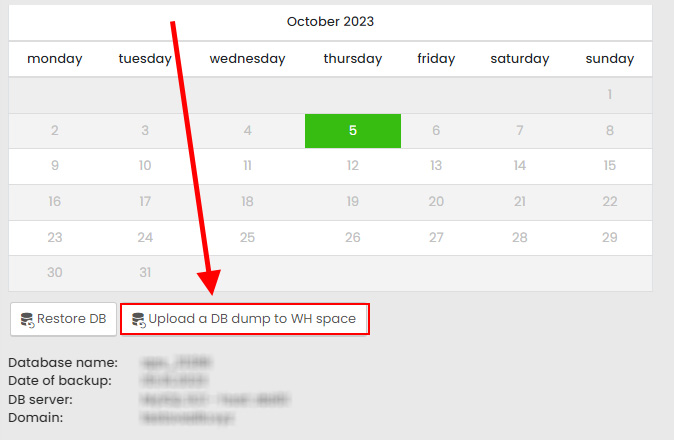
Select the date of the backup from the calendar and enter the "Restore DB" option. After the restore is complete, you will receive an informational email.
2) Download the DB dump to the hosting space
Choose the date of the backup from the calendar and enter the option "Upload a DB dump to WH space". The dump of the selected database will be uploaded to the _sql directory in the web hosting space within a few minutes.