
If we want multiple domains to link to our website, we call it a "domain alias". Creating a domain alias is not a science. We just need a few simple steps, how to do it.
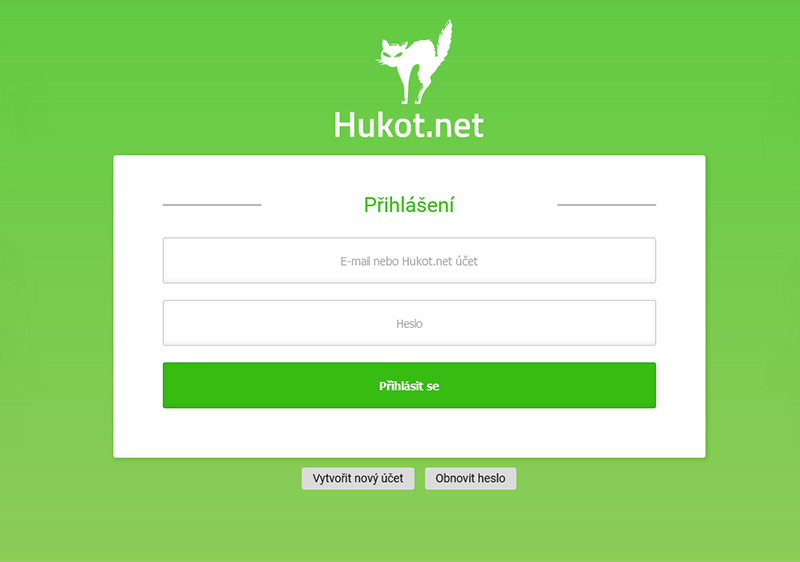
We log in to the administration of hosting services admin.hukot.net.
We select the "Domains" tab.
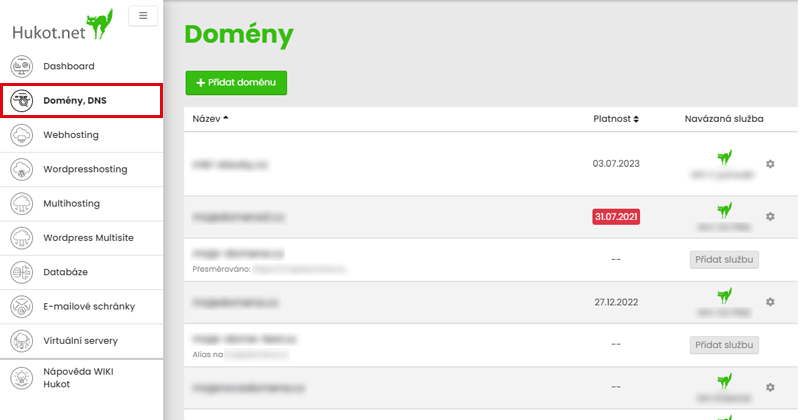
On the line with the desired domain, click the Add alias button.
A form will appear.
Enter the new domain name in the name field.
Note: If your DNS is located outside the hukot.net hosting, we check the Do not create DNS zone option.
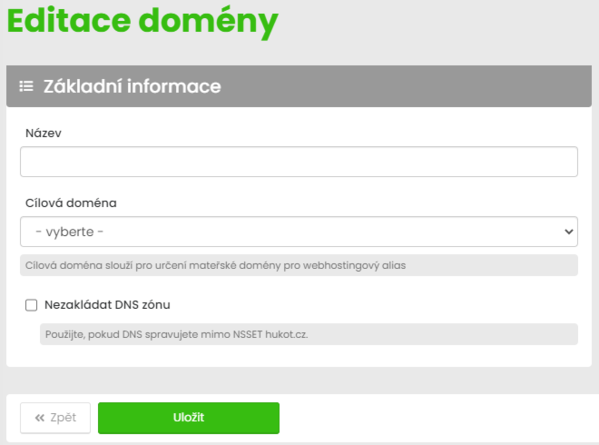
We click on save.
Now just wait 5-10 minutes and the alias is active: the new domain shows the same website as the default domain.
Note: Of course, it is necessary that you have the new domain registered and have the DNS set up correctly.