Migrate hosting to another node (change cluster)
Every application has its specifications, whether it's memory requirements or PHP versions. In this guide, we'll show you how to migrate hosting from one Hukot cluster to another.
Log in to the administration of hosting services at admin.hukot.net
In the left panel, select Webhosting.
Note: If you have Wordpress hosting with Hukot, choose Wordpresshosting. In the case of multihosting or Wordpress multisite, you need to find the specific hosting in the respective listings.
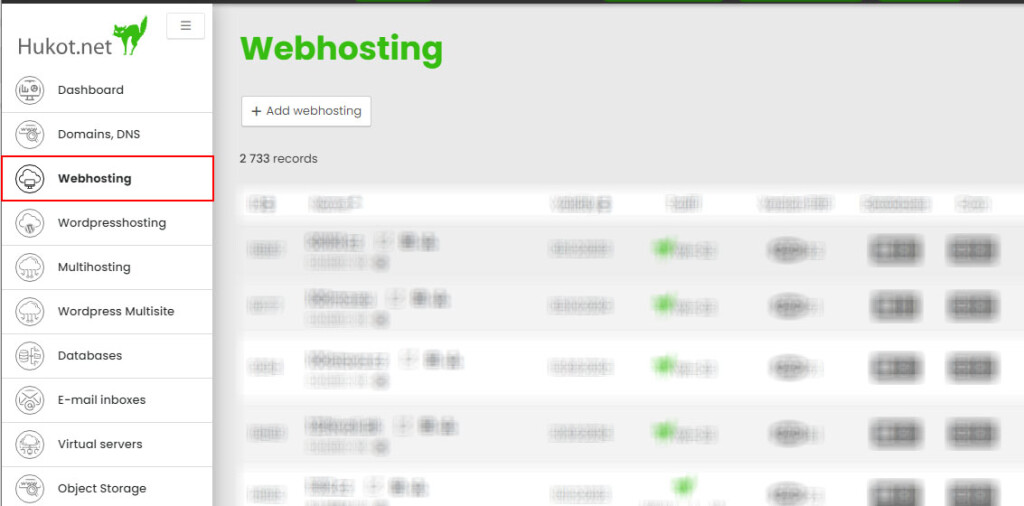
Open the editing of the specific hosting.
In the upper right corner, there's a button labeled Change Cluster; click on this button.
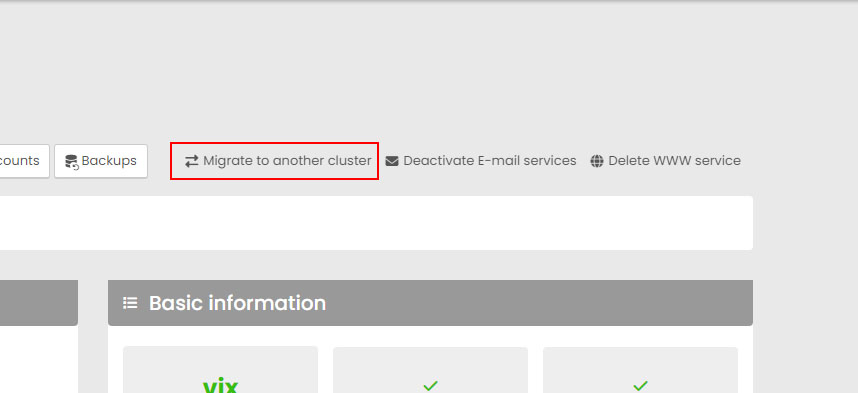
In the popup window, select the new cluster to which you want to migrate the existing hosting.
Confirm this by clicking the Start Cluster Change button.