Object Storage - SFTP
Assumption
- SSH Key - You can generate the key following the instructions here.
1. Inserting the SSH Key
In the administration of hosting services, navigate to Object Storage.
Select the desired Object Storage space and click on the "User List" button. Find the specific user or create a new one.
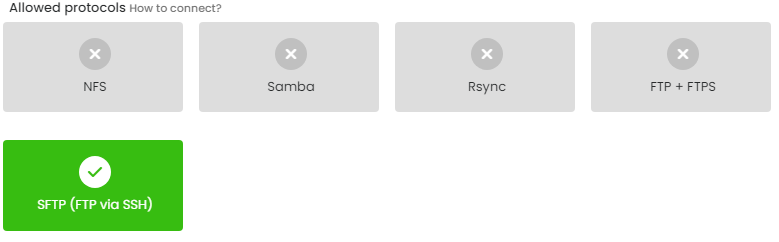
In the list of allowed protocols, enable SFTP (FTP over SSH).
In the SSH Key field, insert the public SSH key (the content of the id_rsa.pub file).
Enter the IP addresses that will have access to the storage and click on "Save."
.jpg)
2. Connection Using SFTP
Now, open an FTP client, such as FileZilla, and fill in the connection details according to the table, then click the "Connect" button:
| Host | Server Storage |
| Username | Login Name |
You can find this information in the administration at admin.hukot.net under the Object Storage tab in the user's profile.
If you have set a password for the SSH key, you will need to enter it.