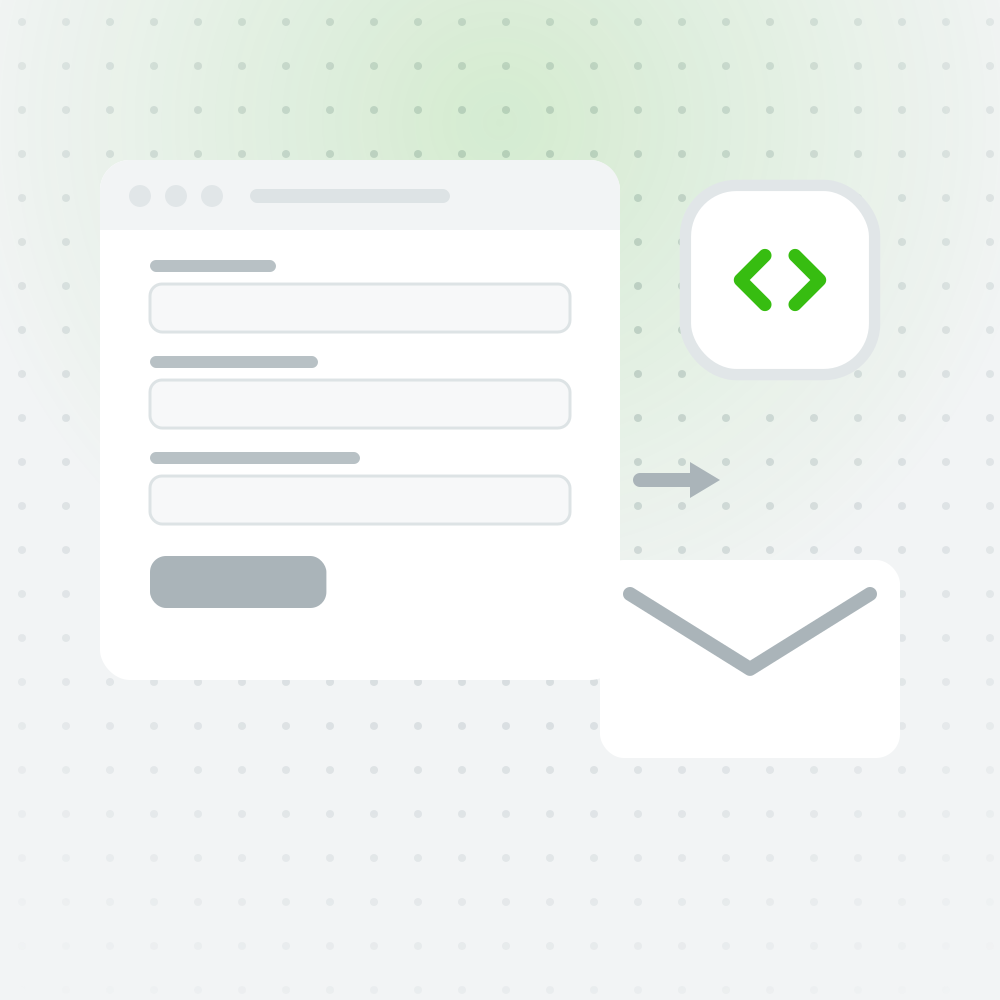
In the following example, we will demonstrate how to link a form to email submission. It can be useful when you have a contact form and want to receive individual form submissions in your email inbox.
HTML Code
<form method="post" action="./mailer.php">

	<input type="hidden" name="send-mail" value="1">

	<label for="from_name">Name and Surname</label>
	<input name="from_name" id="from_name" type="text" required>

	<label for="from">Email Address</label>
	<input name="from" id="from" type="email" required>

	<label for="message">Your Message</label>
	<textarea id="message" name="message"></textarea>

	<button type="submit">Send Message</button>

</form>
Our mailer.php
<?php

if ($_REQUEST['send-mail'] ?? 0 == 1) {
	$from = filter_var($_REQUEST['from'] ?? '', FILTER_VALIDATE_EMAIL);
	if (!$from) {
		http_response_code(400);
		exit('Invalid email address');
	}

	$to = "inbox@yourdomain.com";
	$subject = "Contact Form";
	$message = "Message from the contact form: \n".$_REQUEST['message'];

	// Encode the subject for the email header
	$subject = mb_encode_mimeheader($subject, 'UTF-8');

	$headers = array(
		'From' => 'Contact form <noreply@yourdomain.com>',
		'Reply-To' => mb_encode_mimeheader($_REQUEST['from_name'], 'UTF-8') . " <$from>",
		'X-Mailer' => 'PHP/'.phpversion(),
		'Content-Type' => 'text/plain; charset=UTF-8',
		'Content-Transfer-Encoding' => '8bit'
	);

	mail($to, $subject, $message, $headers);
	header('Location: ./thank-you-for-contacting-us');
	exit;
}
?>
The address in the From header must belong to your domain (for example noreply@yourdomain.com). With the visitor's address there (for example @gmail.com), the receiving server rejects the message or moves it to spam because of the SPF and DMARC checks. You reply to the visitor thanks to the Reply-To header, which gets their address only after the filter_var() check.
For more information about the mail function, refer to the PHP documentation.