Change of billing and contact details
Log in to the hosting services administration at admin.hukot.net.
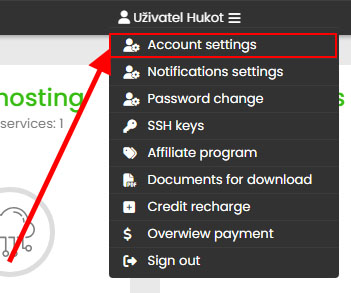
Select Account Settings from the top right menu:
Here you will make the necessary changes to your billing/contact information:
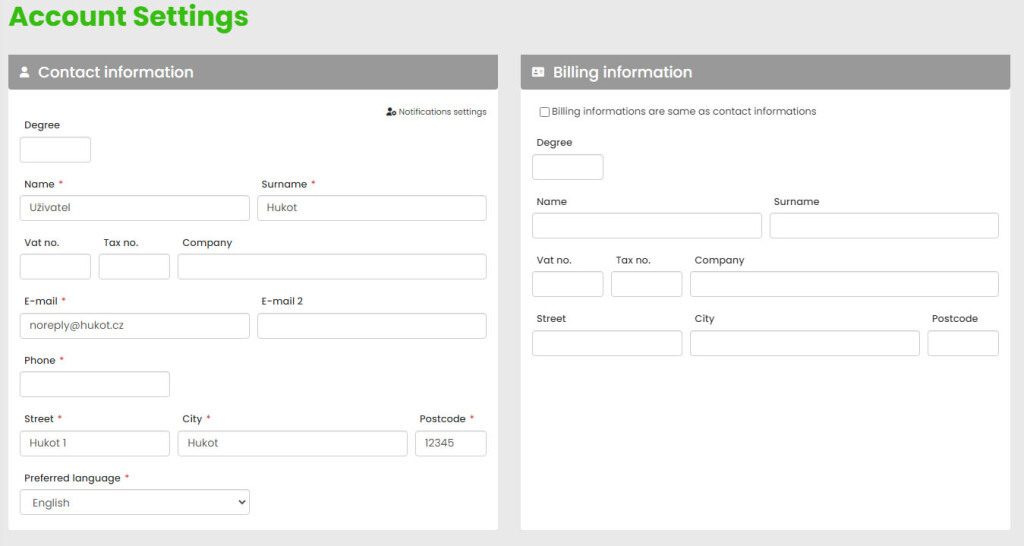
Save and you're done. The billing information change will be reflected when the next payment request is issued.
Generate a new payment request according to the current billing information:
If you have already issued a payment request based on the original billing data, you can re-generate it according to the newly modified billing data in the administration in the "Payment overview" section:
For a payment request that can be re-generated according to the new billing data, there is an icon of "arrows in a circle", e.g.:

The tax document is always issued automatically according to the paid payment request, so you need to change the billing data before the payment is credited to our account.
Authorized persons
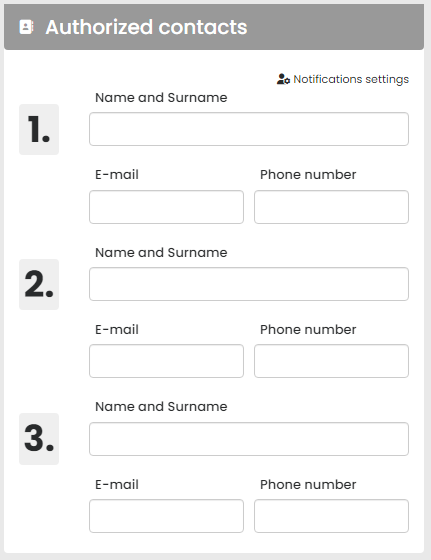
Within the account settings, you also manage authorized persons who can deal with Hukot.net technical support regarding your service: