Change WordPress localization
The easiest way to change language of your WordPress is through settings in tab general. Changing it this way changes the language globally.
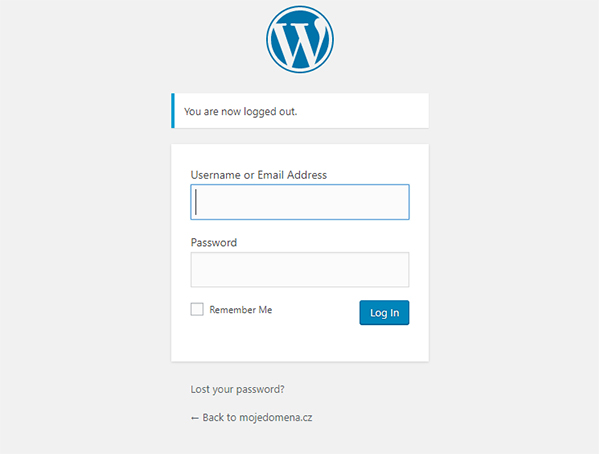
We're going to login into WordPress administration.
In case you have automatic installtion from Hukot.net, the url address for WordPress administration is /wp-admin.
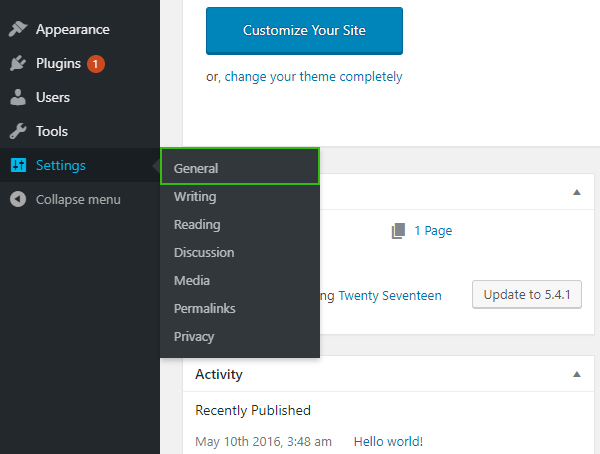
After logging in, we're going to select tab Settings and then General.
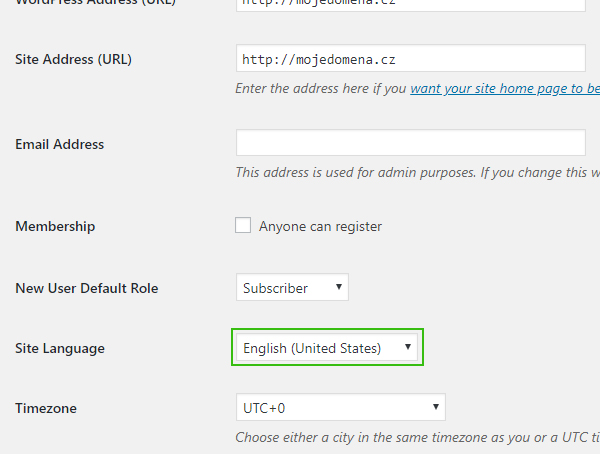
We're going to find setting for Site Language and we'll choose our desired language from the list of available languages.
We're going to apply the changes by pressing button Save Changes.
After saving and reloading the site, WordPress will change to the language you've chosen.