Creating a database in ISPConfig
We will add a database for our domain, as we did it here.
Creating a Database User
To add a database, first, we need to create a database user.
In ISPConfig, go to the Sites > Database users tab.
Add a new user using the Add new User button.
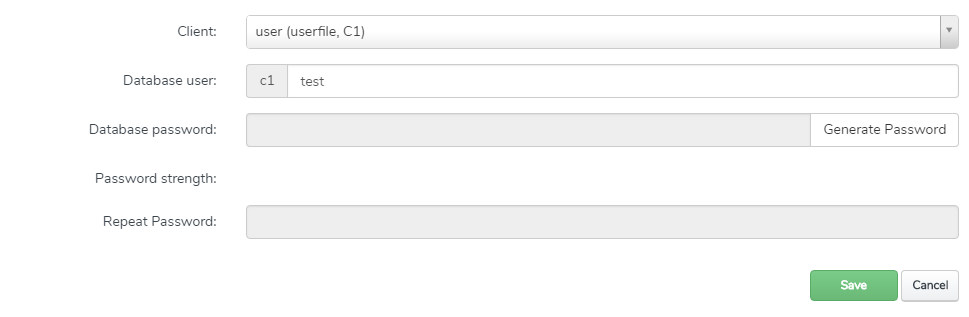
Choose the client's name and enter the user's name and password.
Confirm with the Save button.
Go to the Sites > Databases tab.
Create a new database with the Add new Database button.
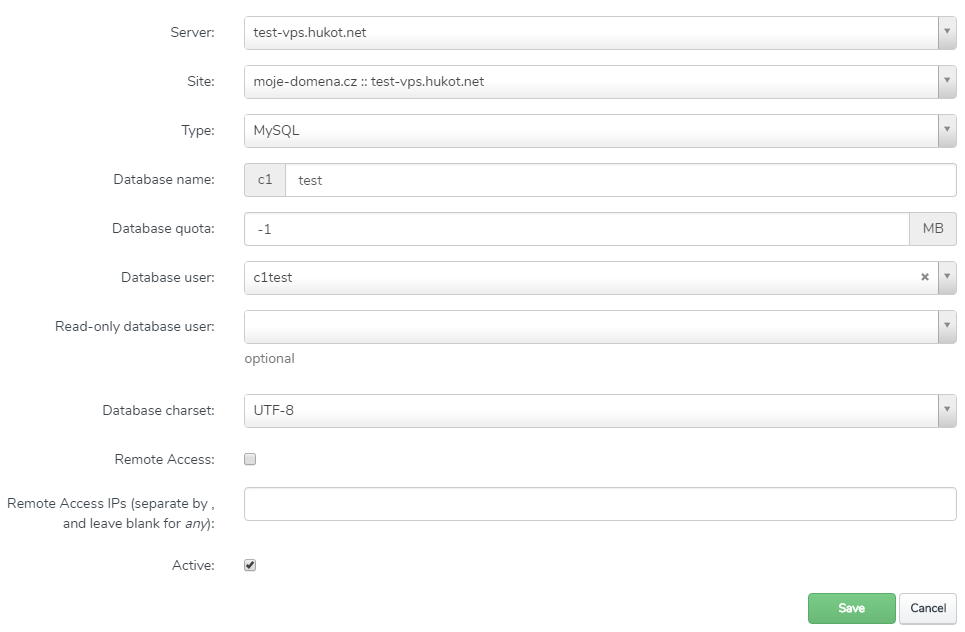
Enter the domain for which the database will be, the database name, and save with the Save button.
Once you have created the database, you can access it through the phpMyAdmin interface.
Go to phpMyAdmin using my-domain.cz/phpmyadmin.
For login, use the credentials of the user you created.
//Note: ISPConfig adds a prefix to the username; the login username includes the prefix as well.
After logging in, you will see the created database.