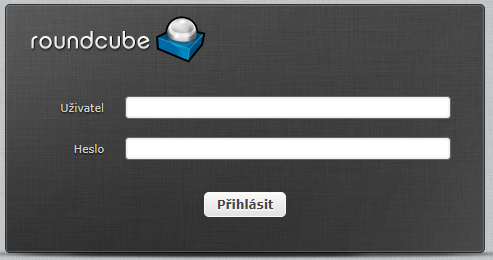
Log in to your mailbox at webmail.hukot.net
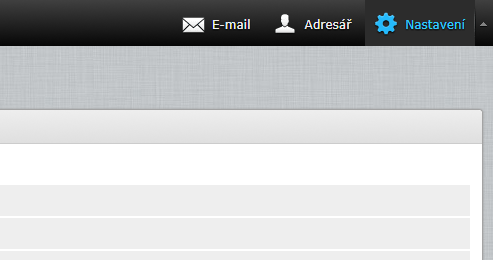
Click Settings in the left panel.
In the settings, choose Identities and click your identity (email address).
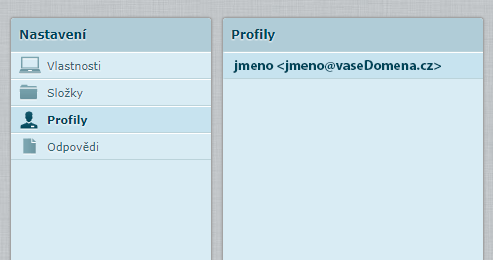
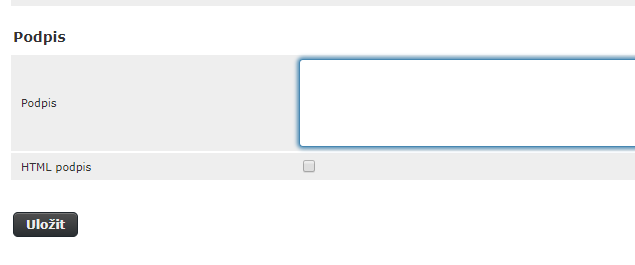
You will see the Signature field. Enter your signature here and click Save:
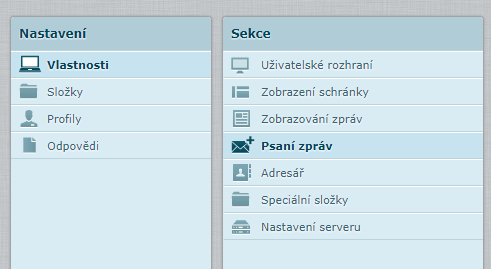
The signature options can be found in Settings > Preferences > Composing Messages.
Done (^.^)