Hukot.net WIKI
EN CS
Sign in
  • Tutorials
  • Support
CtrlK

Searching…

Wiki / E-mail

Číst česky →

How to log in to a mailbox using Webmail

1 min read Hukot net E-mail

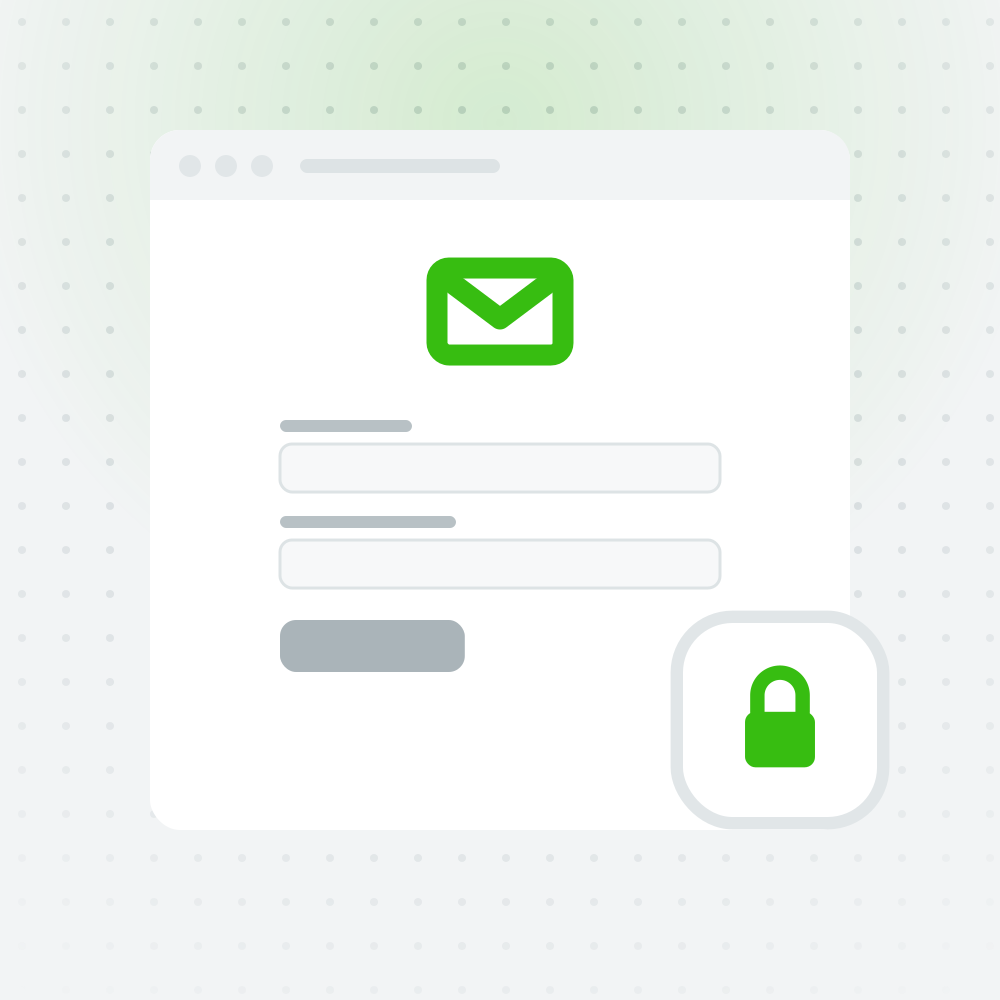
Enter the URL webmail.hukot.net in the Internet browser

A login form will pop up

To log in, we fill in the data: the user field is the entire e-mail address and the password is your generated password for the e-mail box.
We click on the Login button.

Done (^.^)

Was this tutorial helpful? Yes No Helped 246 people

You might also like

How to add an automatic signature to a mailbox in Webmail Log in to your mailbox at webmail.hukot.net Automatic reply in absence Are you going on vacation or out of the office and won't be available on email? Do you want to let others know through an automatic response? Set up an automatic response for incoming emails. TIP: If… Change your email password - Hukot.net You can change the password for an email mailbox hosted at Hukot.net in two ways. The first method requires knowing the email address and password. If you have access to the hosting services…
Hukot.net

Knowledge base

  • All tutorials
  • Suggest a tutorial
  • Support
  • Transfer to Hukot

Hosting

  • Webhosting
  • Wordpress hosting
  • Multihosting
  • Wordpress multisite

Virtual servers

  • Linux VPS
  • Windows VPS
  • GPU VPS
  • Dedicated servers

Storage

  • Object storage

Domains

  • Domain registration
  • Domain prices

© Design & Code by Hukot.cz | © 2026 SecurityNet.cz s.r.o.

All Rights Reserved | Všechna práva vyhrazena

Login

Sign in with your Hukot ID to do this.

Sign in with Hukot ID