To change a domain's contact details or its owner, log in to the hosting services administration at admin.hukot.net and go to the Domains, DNS menu.
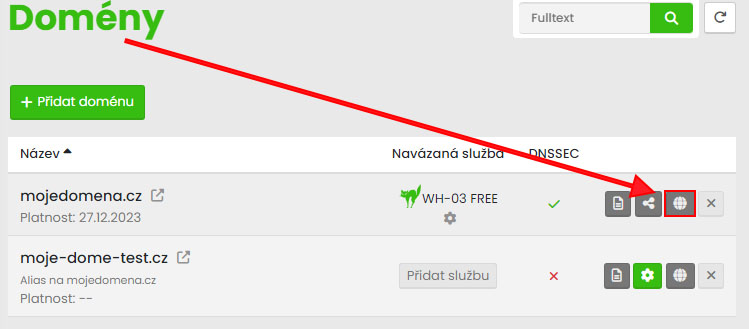
Next to the domain, click Edit DNS
Box view:
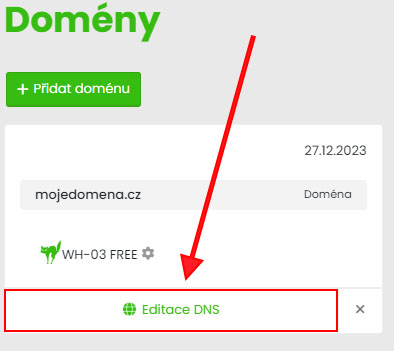
Table view:
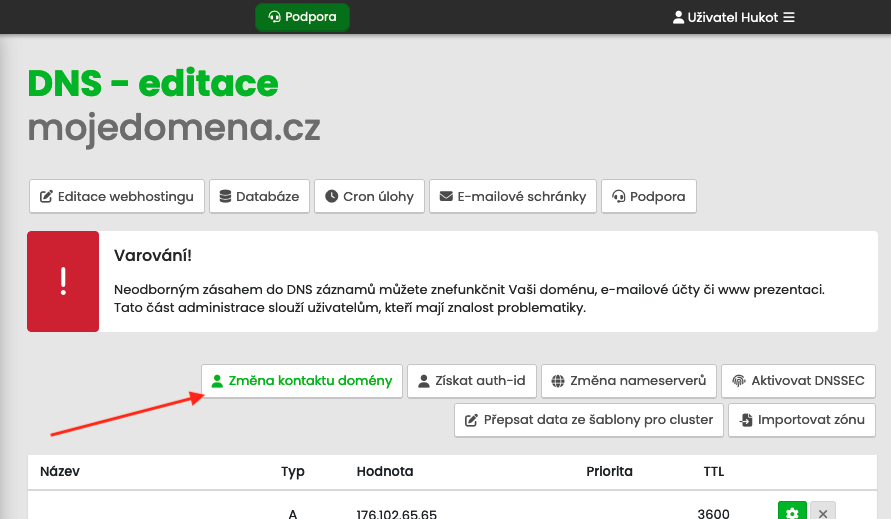
Click Change domain contact:
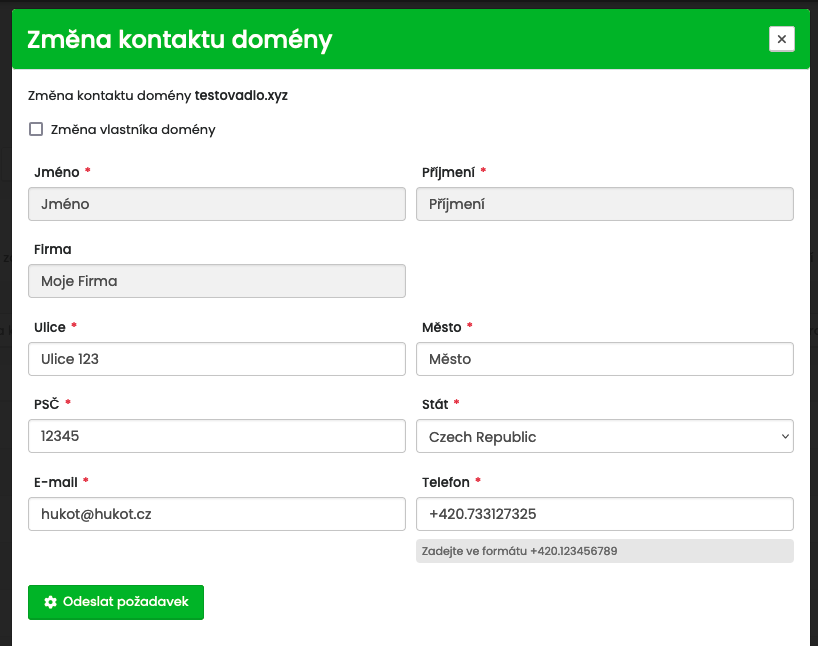
If the domain allows it, the fields can be edited: change the contact details and then click Send request to submit the change:
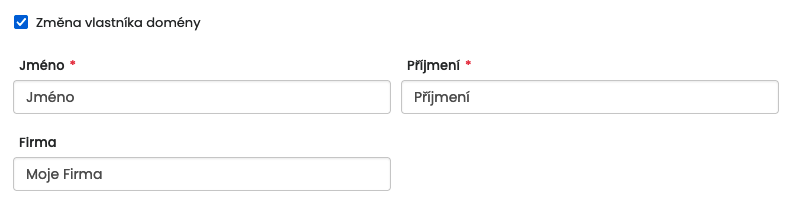
If you also need to change the basic details First name, Last name and Company, you have to make a Change of domain owner and tick this option:
Then click Send request. If the registry requires the change to be confirmed, it sends a confirmation request by email directly. The confirmation request goes to the email address of the domain owner. When the owner or the contact email of the domain changes, the request has to be confirmed at the email addresses of both the original and the new owner. Follow the instructions the registry sends to your email. Once confirmed, the change is written to the registry.