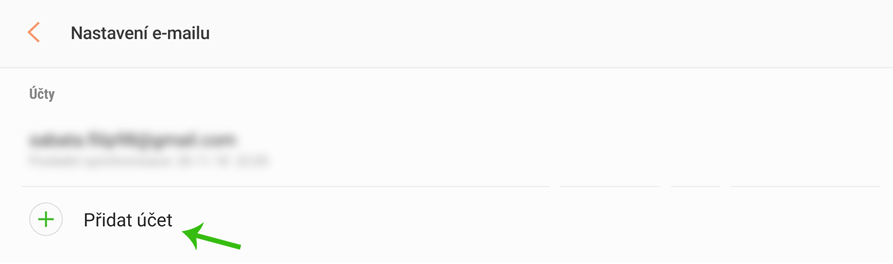
In the Email app, open the settings and tap Add account.
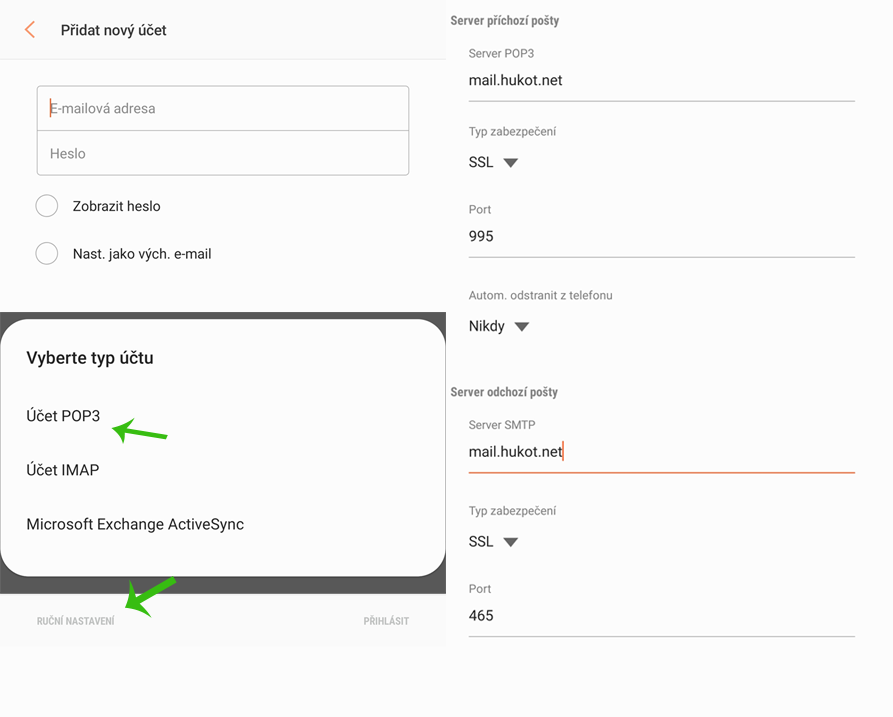
Enter your email address and password. Then choose Manual setup.
In the box that appears, choose POP3 account.
Fill in the incoming and outgoing server settings as shown:
POP3 server: mail.hukot.net
Security type: SSL
Port: 995
SMTP server: mail.hukot.net
Security type: SSL
Port: 465
Once the details are filled in, sign in with the Sign in button.
Done :)