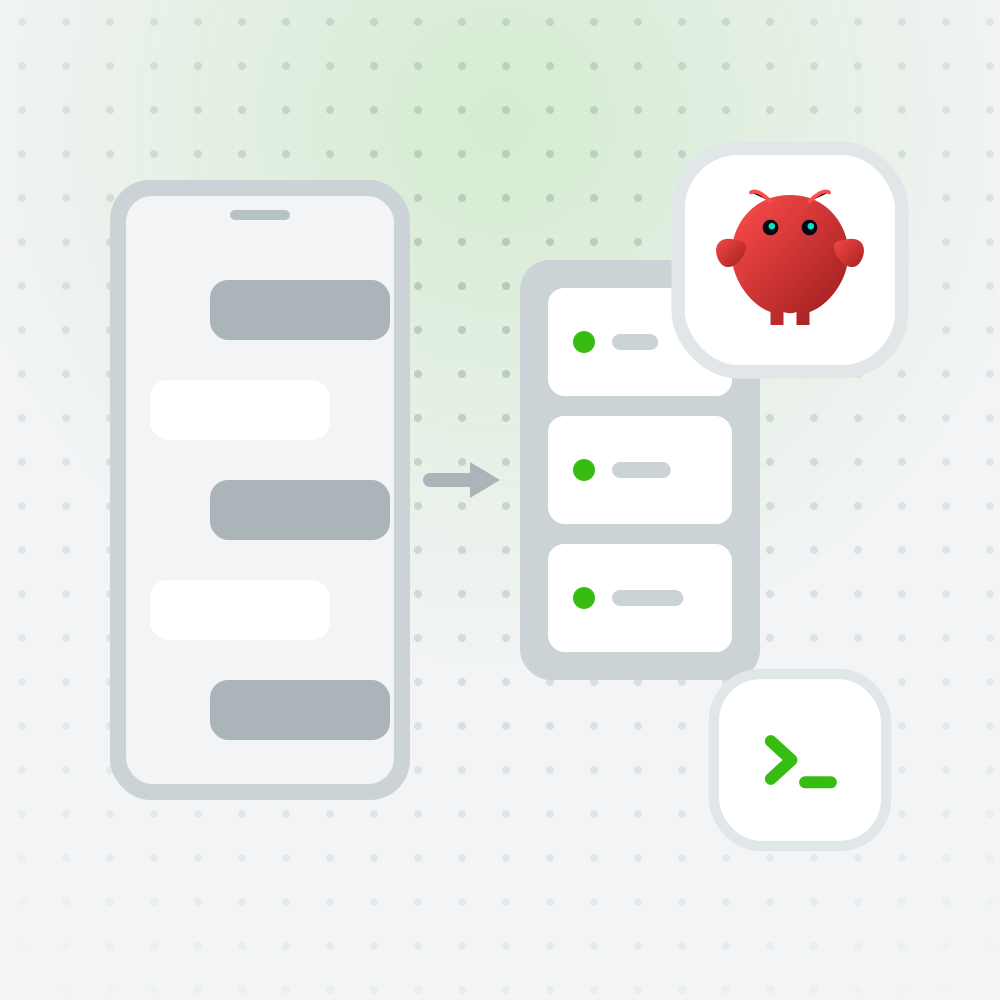
OpenClaw is an AI assistant that handles tasks for you through Telegram, Discord or a web dashboard: it answers messages, runs commands and works with files. On a VPS it is available around the clock.
For maximum stability, we recommend installing it on a Hukot.net VPS: your server is ready within 60 seconds of ordering, and your data stays in a datacentre in the Czech Republic.
Prerequisites #
- A VPS with Ubuntu 24.04 / 26.04 LTS or Debian 12 / 13 and SSH access with
sudorights. Set up key-based login with SSH with public-key authentication. - At least 4 GB of RAM (the VPS-L04G plan); for smooth operation we recommend 8 GB (VPS-L08G). If the agent runs out of memory, switch to a higher plan right in the administration and pay only the difference.
- An API key from a model provider (for example OpenAI or Anthropic), or your own model in Ollama on a GPU-VPS.
The agent can run commands and read files on the server. Install it under a separate user without sudo rights, and never as root.
Installation #
A user for OpenClaw
-
Create the user
openclawand install the package for systemd user services:sudo adduser openclaw sudo apt install -y dbus-user-session -
Allow the user's services to keep running after logout and after a server restart:
sudo loginctl enable-linger openclaw
Managing users is covered in more detail in Adding and removing users in Linux.
Node.js
OpenClaw needs Node.js 24 (24.22.1 or newer) or 26. Install it from the NodeSource repository:
curl -fsSL https://deb.nodesource.com/setup_24.x | sudo -E bash -
sudo apt-get install -y nodejs
node -v
OpenClaw
-
Switch to the user
openclaw:sudo -iu openclaw export XDG_RUNTIME_DIR=/run/user/$(id -u)Switching with
sudodoesn't create a full login session, so setXDG_RUNTIME_DIRevery time. Without it, the systemd user service that OpenClaw runs under can't be managed. Return to your own user withexit. -
Run the official installer:
curl -fsSL https://openclaw.ai/install.sh | bash -
The installer starts the setup wizard by itself. Choose Quick start, enter your model provider's API key and answer Yes to Keep OpenClaw running in the background?. This installs OpenClaw as a systemd service that starts on its own.
If you skipped the wizard, run it again with:
openclaw onboard --install-daemon
The configuration and credentials are stored in the ~/.openclaw directory of the user openclaw.
Your own model in Ollama #
If you don't want to send data to a model provider, connect OpenClaw to Ollama. The model then runs on your own Hukot.net GPU-VPS with 24 to 96 GB of VRAM, and you don't pay per token.
 Before you startOllama and Open WebUI on a GPU-VPS: your own AI chatInstall the graphics card driver and Ollama following this tutorial (Open WebUI isn't needed), then continue here on the same server.
A similar setup for the NVIDIA agent is shown in NemoClaw & Ollama & GPU-VPS.
-
Download a model that supports tool calling, for example:
ollama pull qwen3:30b -
As the user
openclaw, start the wizard and choose Ollama, then Local only:openclaw onboard -
Enter
http://127.0.0.1:11434as the address.
Enter the address without /v1 at the end. Ollama's OpenAI-compatible interface (/v1) breaks tool calling.
Accessing the dashboard #
The OpenClaw gateway listens only on 127.0.0.1:18789 and requires the access token the wizard generated. Don't expose it to the internet.
Open an SSH tunnel from your computer:
ssh -N -L 18789:127.0.0.1:18789 <user>@<server-ip>
Replace <user> with your user on the server and <server-ip> with its IP address. While the tunnel is running, the dashboard is at http://127.0.0.1:18789/. Log in with the token from the wizard.
Security #
-
As the user
openclaw, run the security audit:openclaw security audit --deep -
Fix the problems it finds with file permissions and open groups:
openclaw security audit --fix -
The next steps need
sudo, so return to your own user withexit. Check that the gateway listens only locally. The output should show127.0.0.1:18789:sudo ss -tlnp | grep 18789 -
Keep only SSH open on the firewall. See Setting up firewall with UFW on linux.
-
Secure SSH logins further with How to disable SSH root login and How To Protect SSH – Fail2ban.
One OpenClaw instance has one owner. If several people with different rights are to use the agent, run a separate instance for each of them under their own user.
Verification #
As the user openclaw, check the state of the gateway and the installation:
openclaw gateway status
openclaw doctor
If everything is fine, send the agent its first message straight from the command line. The default agent is called main:
openclaw agent --agent main --message "Hi, are you online?"
Follow what the agent is doing in the log:
openclaw logs --follow
Updates #
Update OpenClaw with a single command as the user openclaw:
openclaw update
Before a bigger update, create a snapshot in your Hukot.net VPS administration. If something breaks after the update, you can restore the server to its previous state.
Why choose our VPS? #
Unlike public clouds, we guarantee that your data stays in the Czech Republic, with top-class connectivity. Combined with OpenClaw, you get a powerful tool that runs reliably 24/7 without having to keep your home PC switched on.
Want an AI assistant that runs 24/7? #
Order a Hukot.net VPS and have OpenClaw running on it today.