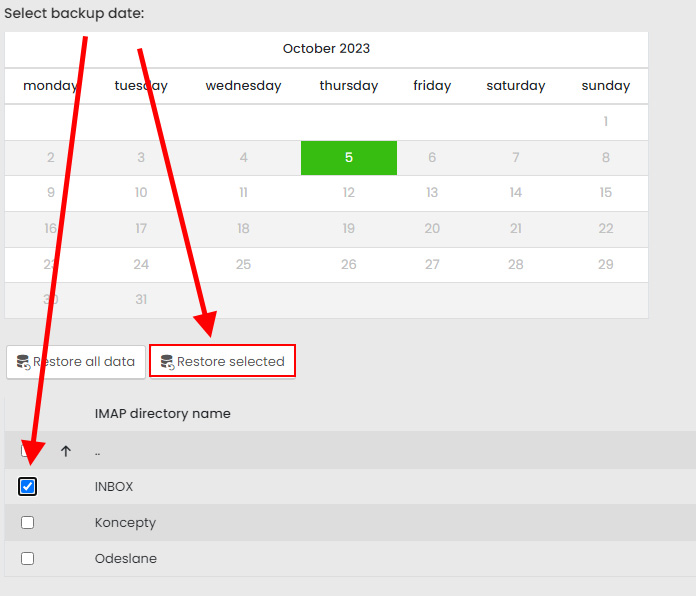
Within the administration, the user has access to restore the e-mail box, where he can restore the entire mailbox on the selected backup date.
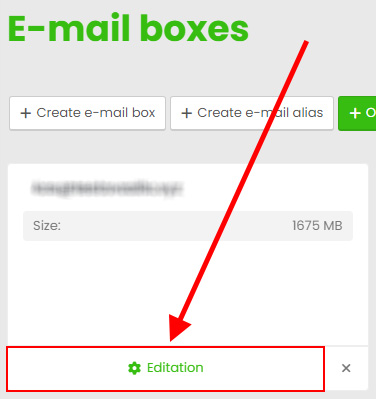
Please log in to the hosting services administration at admin.hukot.net and navigate to the edit page of your email mailbox.
Editing the selected service:
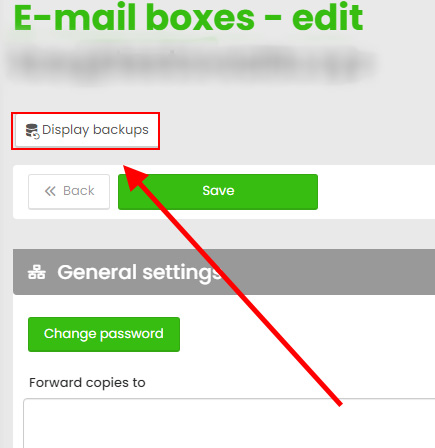
Go to the Backups section:
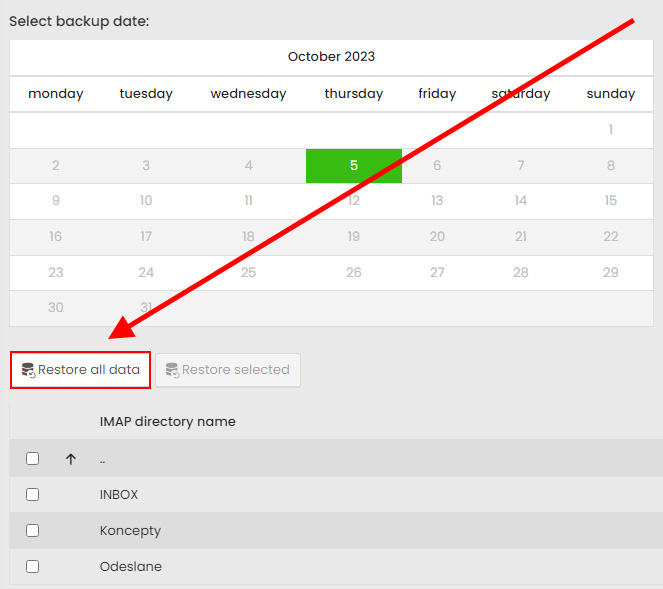
Here, select the highlighted date of the backup you created. You will then be able to browse the contents of the backup and choose to restore either the entire mailbox or individual IMAP directories.
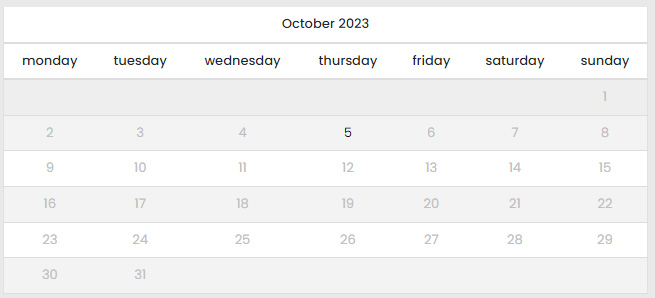
1) Restoring an Email Mailbox from a Backup
Select the date of the created backup from the calendar and enter the "Restore all data" option. When the restore is complete, you will receive an informational email.
2) Restore selected IMAP directories from backup
Choose the date of the backup created from the calendar, check the required IMAP directories and enter the option "Restore selected". You will receive an informational email when the restore is complete.