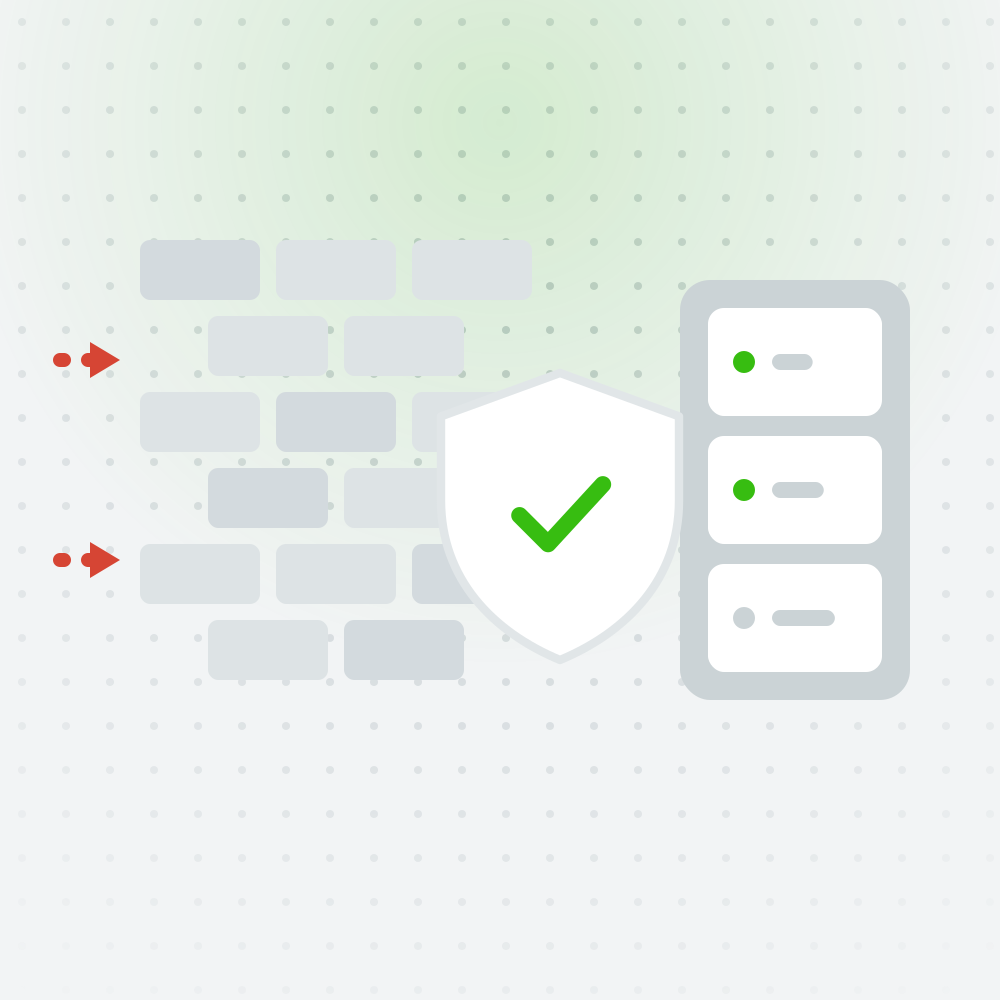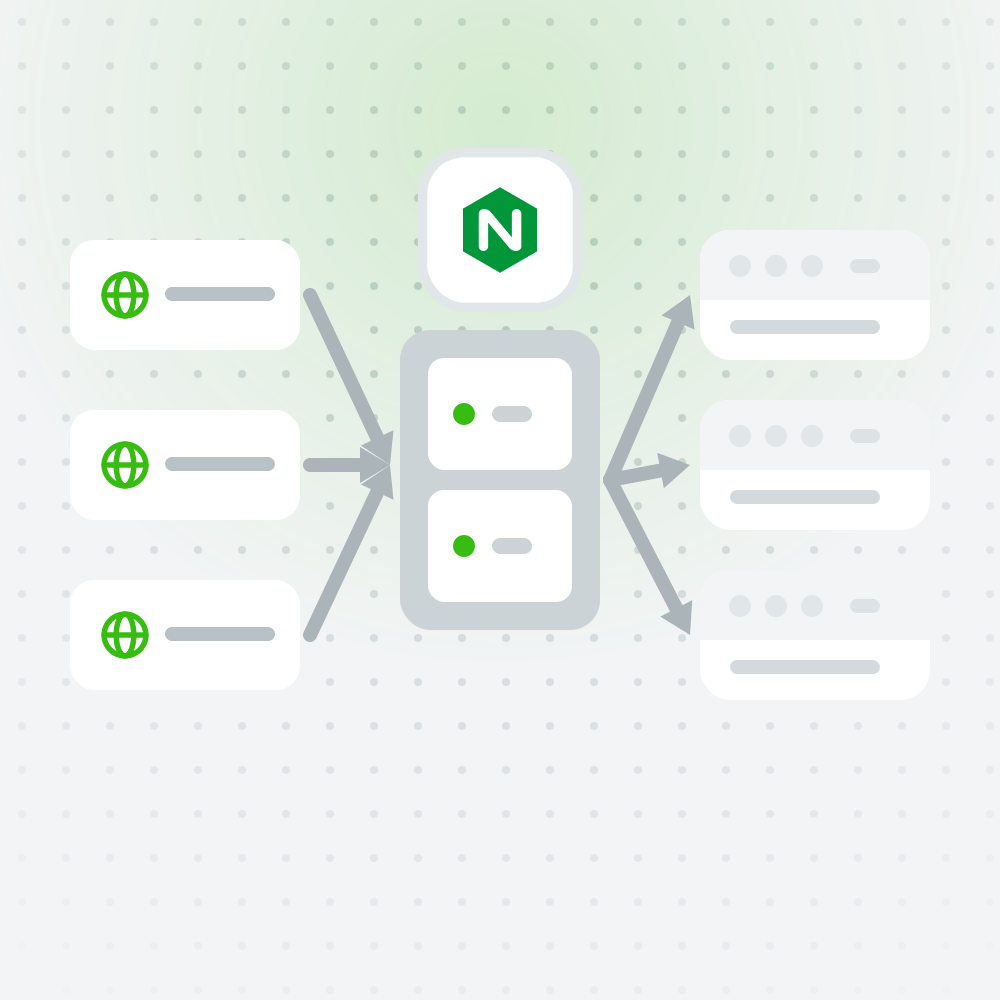
A reverse proxy is a web server that receives all requests on ports 80 and 443 and passes each one to the right application based on the domain. This lets you run several websites and applications on one VPS, each on its own domain with an HTTPS certificate, while the applications themselves stay hidden inside the server.
For maximum stability, we recommend installing it on a Hukot.net VPS: your server is ready within 60 seconds of ordering and your data stays in a data centre in the Czech Republic.
Prerequisites #
- A VPS with Ubuntu 22.04 / 24.04 / 26.04 LTS or Debian 12 / 13 and SSH access with
sudorights. - For each application, a domain or subdomain whose
Arecord (andAAAAif you use IPv6) points to the server's IP address. You can edit the records by following How to edit DNS. - Applications that listen only on
127.0.0.1, each on its own port. For applications in Docker, publish the port as127.0.0.1:<port>:<port>.
 Before you startHow to install Docker and Docker Compose on Ubuntu and DebianMost applications today run in Docker. Install it by following this tutorial and publish application ports only on 127.0.0.1.
Every additional application on the server needs memory. When you run out, you can switch to a higher tariff right in the administration and pay only the difference.
Installing Nginx and Certbot #
-
Install Nginx and Certbot, which issues and renews Let's Encrypt certificates:
sudo apt update sudo apt install -y nginx certbot python3-certbot-nginx -
If you use the UFW firewall, allow HTTP and HTTPS:
sudo ufw allow 'Nginx Full'To set up the firewall, see Setting up a firewall with UFW.
-
Enable WebSocket support. Most modern applications need it (n8n, Open WebUI, Uptime Kuma). Create the file
/etc/nginx/conf.d/websocket.conf:sudo nano /etc/nginx/conf.d/websocket.confmap $http_upgrade $connection_upgrade { default upgrade; '' close; }
An application on its own domain #
-
Create a separate configuration file for each application, named after its domain:
sudo nano /etc/nginx/sites-available/<domain> -
Paste into it:
server {
    listen 80;
    listen [::]:80;
    server_name <domain>;

    client_max_body_size 50M;

    location / {
        proxy_pass http://127.0.0.1:<port>;
        proxy_http_version 1.1;
        proxy_set_header Upgrade $http_upgrade;
        proxy_set_header Connection $connection_upgrade;
        proxy_set_header Host $host;
        proxy_set_header X-Real-IP $remote_addr;
        proxy_set_header X-Forwarded-For $proxy_add_x_forwarded_for;
        proxy_set_header X-Forwarded-Host $host;
        proxy_set_header X-Forwarded-Proto $scheme;
        proxy_read_timeout 300s;
    }
}
Replace
<domain>with the application's domain, for exampleapp.example.com, and<port>with the port the application listens on.client_max_body_sizesets the largest file that can be uploaded to the application. -
Enable the site and check the configuration:
sudo ln -s /etc/nginx/sites-available/<domain> /etc/nginx/sites-enabled/
sudo nginx -t
sudo systemctl reload nginx
nginx -tshould end withsyntax is okandtest is successful. If it doesn't, fix the file according to the error message before reloading Nginx.
Add another application the same way: a new file with a different domain and a different port.
HTTPS certificate #
Issue a Let's Encrypt certificate for each domain:
sudo certbot --nginx -d <domain>
On the first run, Certbot asks for an e-mail address for expiry notices and for your agreement to the terms. It then adds HTTPS and a redirect from HTTP to the configuration itself.
The certificate is valid for 90 days and renews automatically. Check that the renewal timer is running and that a renewal succeeds:
systemctl list-timers | grep certbot
sudo certbot renew --dry-run
Verification #
-
Check that the application responds over HTTPS. The first line of the output should show status
200or a redirect to a login page (302):curl -I https://<domain> -
Check that the application itself listens only locally and that only ports
80and443are open to the outside:sudo ss -tlnpThe application's port should be listed as
127.0.0.1:<port>.
Common errors #
| Error | Cause and fix |
|---|---|
502 Bad Gateway |
The application isn't running or listens on a different port. Check docker compose ps and the port in proxy_pass. |
413 Request Entity Too Large |
The uploaded file is larger than client_max_body_size. Increase the value and reload Nginx. |
504 Gateway Timeout |
The application takes longer than proxy_read_timeout to respond. Increase the value. |
| Redirect loop | The application doesn't know it runs behind HTTPS. Check the X-Forwarded-Proto header and the public URL setting in the application. |
Nginx error messages are in the log:
sudo tail -f /var/log/nginx/error.log
Why choose our VPS? #
Unlike public clouds, we guarantee that your data stays in the Czech Republic, with top-class connectivity. On one Hukot.net VPS you can run your website, internal tools and automations, each with its own domain and certificate.
Want all your applications on one server? #
Order a VPS from Hukot.net and get your first application running on its own domain today.