ENABLING REMOTE ACCESS #
1. Open computer properties.

2. Open advanced system settings.

3. Open tab "Remote" and enable "Allow remote connections to this computer".

The incoming connections may be blocked by Windows Firewall (it often happens when you're connected over "Public Network")
CONNECTING #
1. Open application "Remote Desktop Connection" (mstsc).

2. Enter IPv4 address of the server we want to connect to.

3. Enter login credentials for the server we are connecting to.

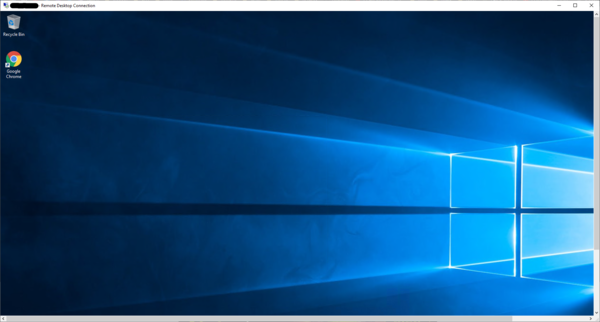
4. You should now be successfully connected to the server!