„e mail“
63 results-
How to set up a mailbox in Outlook 2019, 2021, 2024 and Microsoft 365 - POP3
These steps apply to classic Outlook 2019, 2021, 2024 and Outlook from Microsoft 365. If you use the new Outlook for Windows, follow How to set up an email inbox in the new Outlook for Windows. In…
-
Setting up blacklist for mailbox - Hukot.net
Are you getting annoying e-mail messages or do you not want to receive messages from individual senders or entire domains? Use blacklist. Blacklist discards any e-mails you wish to block. Log into…
-
How to set up a mailbox in The Bat! - IMAP
To log in to The Bat! mail client, you first need to fill in your name, email and password. Select the Protocol type option IMAP or POP. Click Next.
-
How to edit DNS?
Log in to the hosting services administration at admin.hukot.net and go to editing Domains, DNS. Below you can also see an example of how the individual DNS records should be entered. Click Edit DNS…
-
How to transfer emails from Gmail
For email export, we will use the Google Takeout tool.
-
Install Linux Malware Detect for Debian/Ubuntu
Linux Malware Detect is an open source Malware scanner you can use to detect and clean malware infections on your WordPress (for another CMS too) web server. Linux Malware Detect is maintained by R…
-
How do I restore Email from backup?
This guide describes the procedure for restoring an e-mail box and its IMAP directories as part of the administration of hosting services on the admin.hukot.net platform. Users have the option to restore the entire mailbox or selected IMAP directories from available backups, based on the backup date selected.
-
Checking e-mails from outlook - outlook.com SNDS
SNDS - Smart Network Data Services is a tool for checking the sending of e-mails from your assigned IP address. In the procedure below, we will show you how to work with the tool.
-
How to set up a mailbox in Outlook 2013, Outlook 2016 - POP3
Do you use Outlook 2013 or Outlook 2016 and want to see the emails from your email account? In the top left corner, click File, then Info and Add Account.
-
Installing PrestaShop with single click
Did you order our webhosting and want PrestaShop? In this tutorial we're going to show you how to install PrestaShop just by one click in administration panel of Hukot.net. First, log into hosting…
-
Installing Joomla! with single click
Did you order our webhosting and want Joomla? In this tutorial we're going to show you how to install Joomla! just by one click in administration panel of Hukot.net. First, log into hosting…
-
Installing Drupal with single click
Did you order our webhosting and want Drupal? In this tutorial we're going to show you how to install Drupal just by one click in administration panel of Hukot.net. First, log into hosting…
-
Installing WordPress with single click
Did you order our webhosting and want WordPress? In this tutorial we're going to show you how to install WordPress just by one click in our hosting Hukot.net. First log into hosting administration…
-
How to log in to a mailbox using Webmail
Enter the URL webmail.hukot.net in the Internet browser A login form will pop up
-
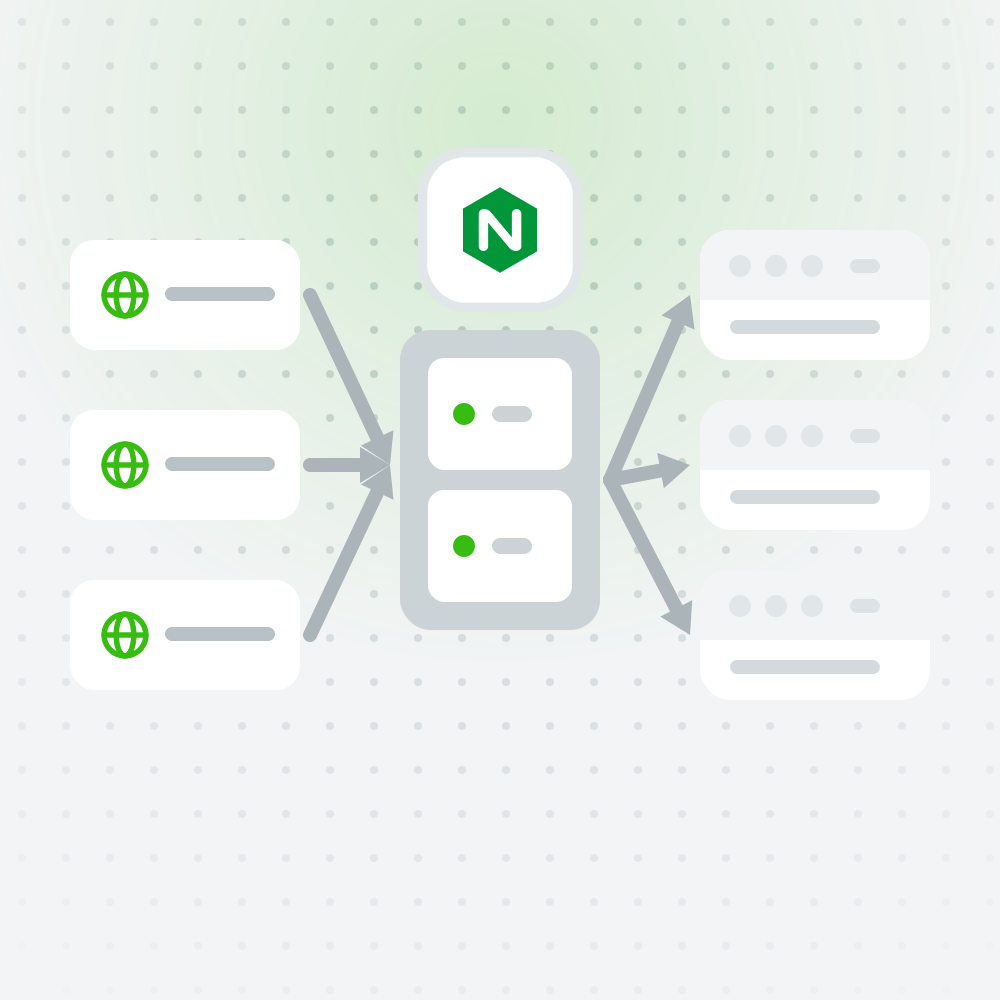
Multiple websites and applications on one VPS: Nginx as a reverse proxy
How to run several applications on one VPS, each on its own domain with a Let's Encrypt certificate. Nginx as a reverse proxy on a Hukot.net VPS.
-
How to install Hermes Agent on a Linux VPS
Hermes Agent by Nous Research is an AI agent that learns from its own work and runs non-stop. For maximum stability, we recommend installing it on a Hukot.net VPS.
-
Sending Emails via External SMTP (List of Allowed Servers)
Overview of allowed external SMTP addresses for outbound mail from web hosting. Includes services like Gmail, Microsoft 365, Mailgun, and basic setup instructions.



Missing a tutorial?
Tell us what it should be about and we will write it.