VPS
73 tutorials-
How to configure a network connection in Windows Server 2016
After ordering, you will receive a VPS with the Windows Server 2016 operating system. Among the basic settings of Windows Server 2016 is an active network connection via a so-called DHCP server,…
-
Configure network settings in Windows Server 2012
The basic settings of Windows Server 2012 include an active network connection via a so-called DHCP server, which sets the IP address automatically. For our needs, we must set the IP address manually…
-
Setting the IP address - Windows 10
After ordering, you get a VPS with the Windows 10 operating system. The basic settings of Windows 10 include an active network connection via a so-called DHCP server, which sets the IP address…
-
How to configure a network connection in Windows 7
After ordering, you get a VPS with the Windows 7 operating system. By default, Windows 7 has an active network connection via a DHCP server, which sets the IP address automatically. For our needs,…
-
Remote Desktop Protocol with Windows 10 (RDP)
Remote access to get to your computer or VPS over the Internet or in your home or work network. It's easy in Windows, you just can't have the home version. The PRO version is enough. In the Pro…
-
How To Protect SSH - Fail2ban (CentOS 7, Debian 8, Ubuntu 16.04)
Fail2ban is very useful application for you, if you are managing security of server, or you are running your own vps or physical server. Fail2ban scan log files created on system and has ability to…
-
HowTo set up SSH with Public-Key authentication (Debian 8, Ubuntu 16.04)
This mini-howto explains how to set up an SSH server on Debian-like systems with public-key authorization (and optionally with disabled password logins). SSH is a great tool to control Linux-based…
-
Base install and setup PostgreSQL (Debian 8, Ubuntu 16.04)
PostgreSQL is a powerful, open source object-relational database system. It has more than 20 years of active development and a proven architecture that has earned it a strong reputation for…
-
How to install MySQL server 5.6 or 5.7 on Debian 7 and 8
Debian provides MySQL server 5.5 with both wheezy and jessie but the latest GA (Generally Available) releases are 5.6 and 5.7 with some enhancements and added features, including support for InnoDB…
-
Changing the hosts file in Linux, MacOS, Windows
Editing the hosts file allows you to overwrite DNS records for the domain only on your computer / server. This can be used, for example, to test websites on a live domain without having to change DNS…
-
Simple VNC server/client on Debian Jessie 8
In this tutorial we will look at configuring a simple VNC server on Debian Jessie. This tutorial will also work on other Debian-based Linux distributions. In this tutorial we will configure…
-
How to secure vsFTPd with SSL/TLS (Debian 8)
FTP daemon, or simply vsftpd is a software service on a great ability to adapt. In this tutorial we will show you how to secure it on Debian and using self-signed SSL/TLS certificate. Although the…
-
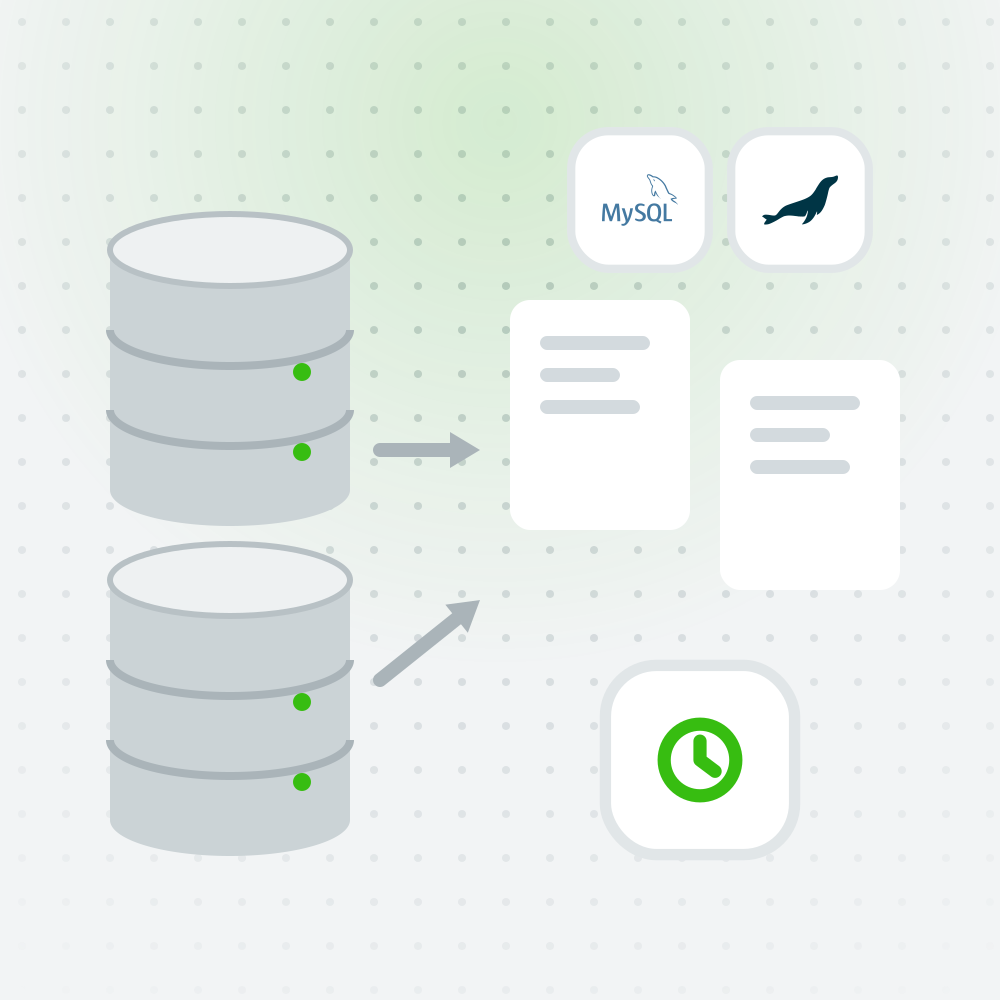
How to backup multiple MySQL or MariaDB databases automatically (MySQL 5.7, MariaDB 10.1)
We'll show you how to back up MySQL or MariaDB, which are on the same server, using your own bash script and cron.
-
How to redirect HTTP Requests To HTTPS On Apache 2
We will describe how to set up Apache 2, and to redirect unsecure requests (HTTP) to secure (https).
-
How to configure IPv6 on your VPS
This tutorial shows how to set up an IPv6 address by hand on a VPS in the Hukot.net network, on Windows, AlmaLinux, Debian, Ubuntu and FreeBSD. The examples use these addresses…